6 GPSMAP 62/62s Owner’s Manual
Getting Started
EN
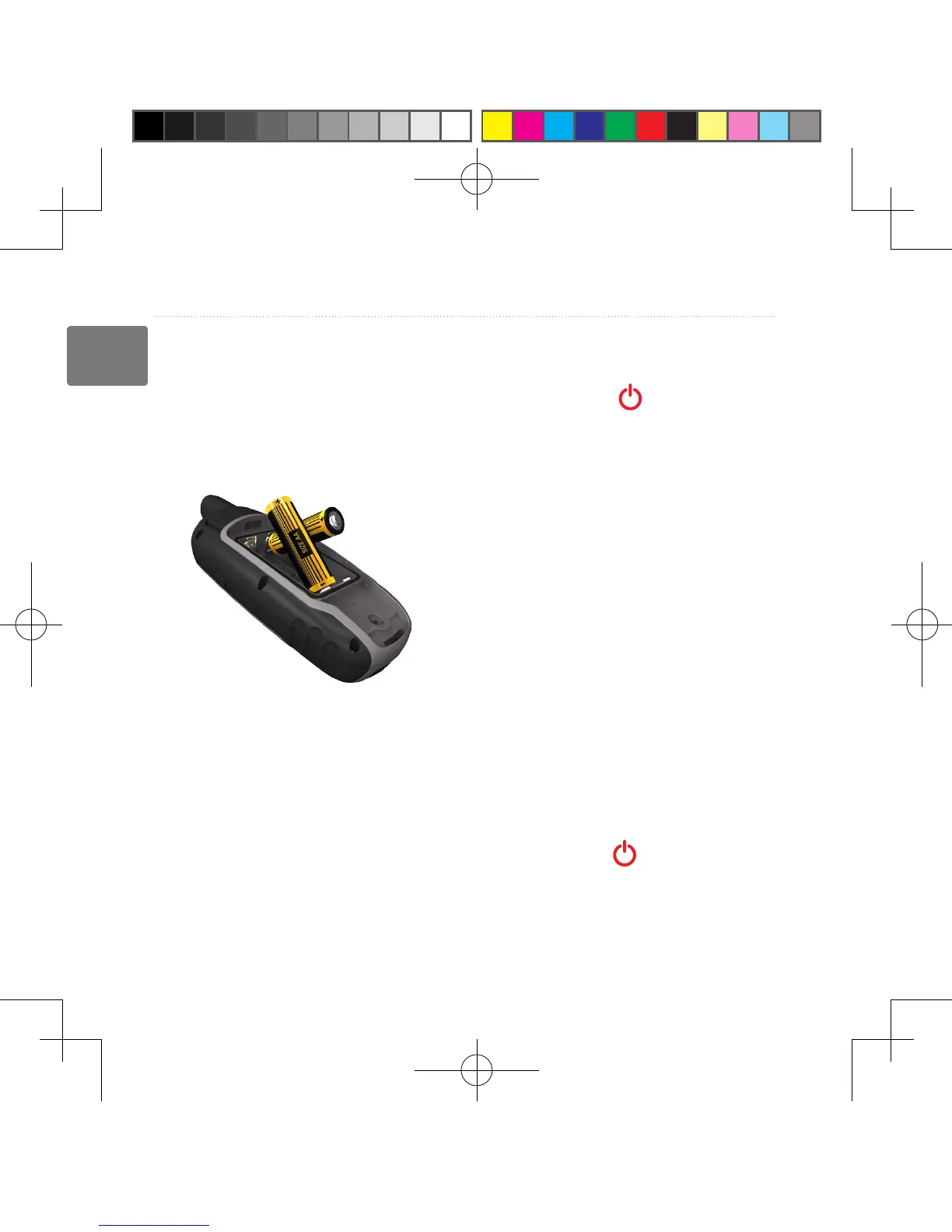
Installing the Batteries
1. Remove the battery cover by
turning the D-ring 1/4 turn counter-
clockwise and pulling up.
2. Insert the batteries, observing
polarity.
3. Replace the battery cover.
For best results, after you install new
batteries, update the battery type in the
system settings (page 39).
Turning the Device On or
Off
Press and hold .
Setting Your Language
1. Turn on the unit.
2. Use the Rocker to select a
language.
Acquiring Satellite
Signals
It may take 30 to 60 seconds to acquire
signals.
1. Go outdoors to an open area.
2. If necessary, turn on the device.
3. Wait while the device searches for
satellites.
A question mark ashes while the
device determines your location.
4. Quickly press to open the
backlight status page.
The GPS bars indicate satellite
190-01215-25_0A.indd 6 2011/3/22 下午 03:12:40













 To Next Page