GPSMAP 62/62s Owner’s Manual 31
Customizing Your Device
EN
Setting the Deep Water or
Shallow Water Alarm
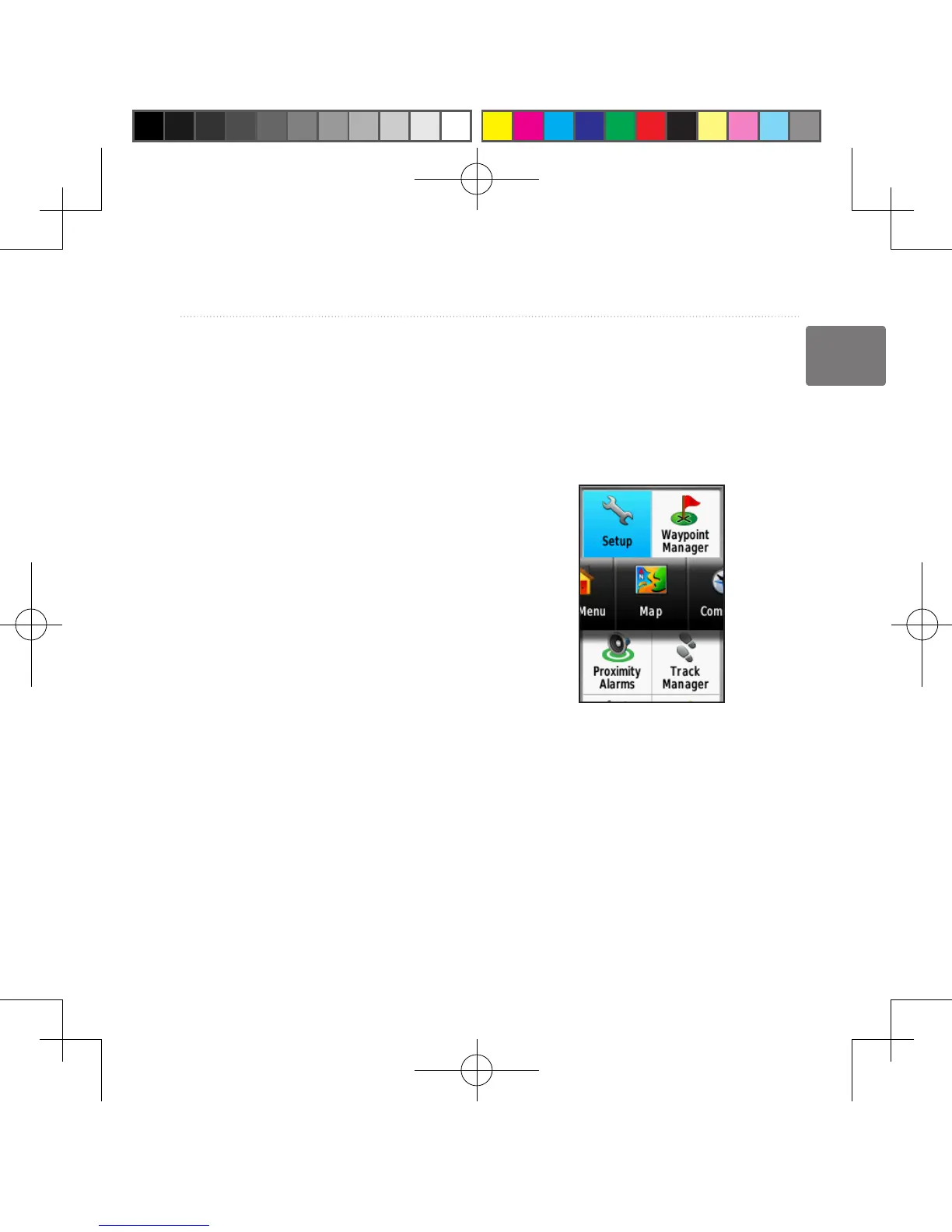
1. From the main menu, select Setup
> Marine > Marine Alarm Setup.
2. Select Shallow Water > On to set
an alarm to sound when the depth is
less than the specied value.
3. Enter the depth that triggers the
shallow water alarm.
4. Select Done.
5. Select Deep Water > On to set an
alarm to sound when the depth is
greater than the specied value.
6. Enter the depth that triggers the
deep water alarm.
7. Select Done.
Resetting Data
You can reset trip data, delete all
waypoints, clear the current track, or
restore default values.
1. From the main menu, select Setup
> Reset.
2. Select an item to reset.
Changing the Page
Sequence
1. From the main menu, select Setup
> Page Sequence.
2. Select a page.
3. Select Move.
4. Move the page up or down the list.
5. Press ENTER.
190-01215-25_0A.indd 31 2011/3/22 下午 03:12:43













 To Next Page