EasyManua.ls Logo

Garmin GTN 650 Series - User Manual

Garmin GTN 650 Series
610 pages
Print Icon
To Next Page IconTo Next Page
Loading...
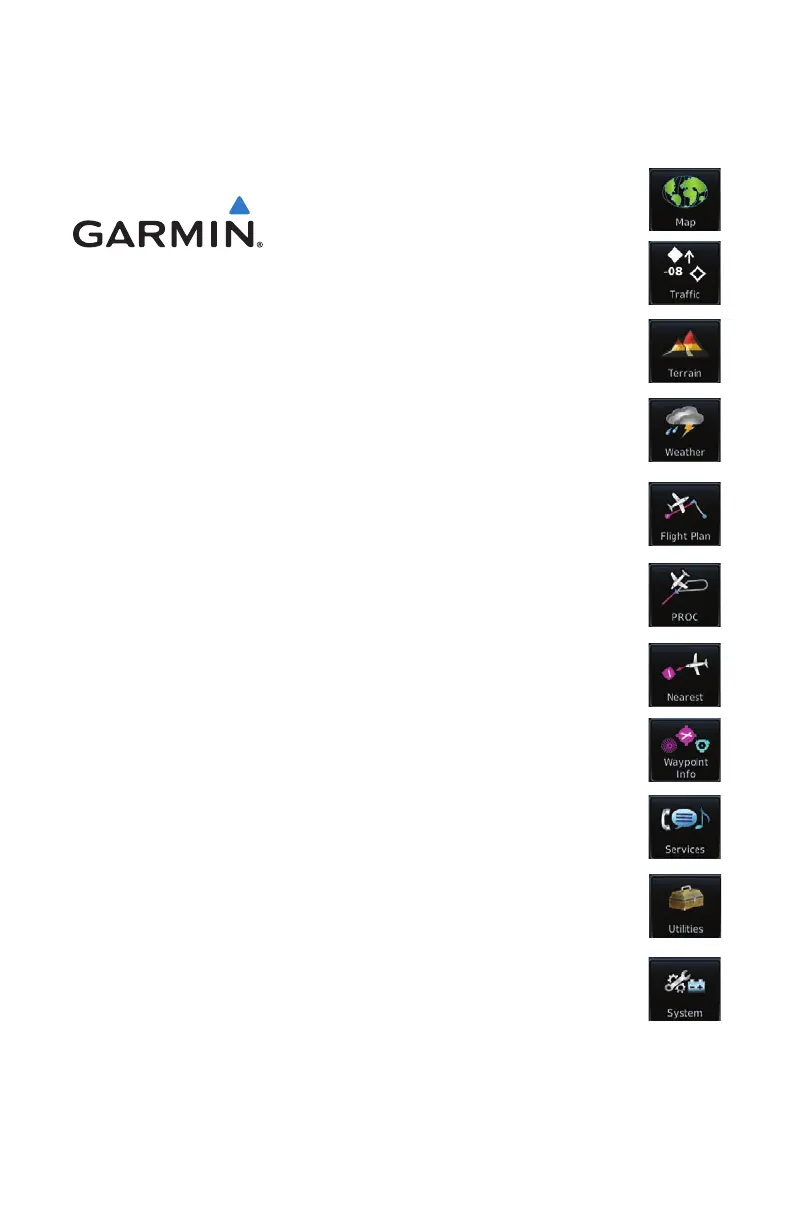
Traffic
Terrain
Weather
Procedures
Waypoint Info
Nearest
System
Services
Utilities
GTN 625/635/650
Pilot's Guide
Flight Plan
Map

Table of Contents

Other manuals for Garmin GTN 650 Series

Questions and Answers

  • D
    Deborah WrightAug 10, 2025
    What to do if the database cannot be transferred to Flight Stream 510 on my Garmin GPS?
    • A
      Andrea HicksAug 10, 2025
      To resolve this, make sure that the databases were purchased for the system ID of the GTN that the database card is being used to update. Also, ensure that the database transfers are enabled for the Flight Stream 510. You should also ensure that all database updates have been downloaded to the Garmin Pilot application. Finally, press the Show All DBs key on the database verification page to view all database updates on the portable device, regardless of effectivity.
  • M
    maryhumphreyAug 15, 2025
    Why does my Garmin GTN 650 database update fail?
    • A
      Andrea DouglasAug 15, 2025
      To resolve the database update failure on your Garmin GPS, try the following: Restart the GTN and retry the update. If that doesn't work, download the databases to the database card again. Ensure that the databases were purchased for the system ID of the GTN that the database card is being used to update.
  • R
    rodriguezsarahAug 25, 2025
    How to fix Garmin GTN 650 GPS when unable to download databases to the SD card?
    • T
      tdixonAug 26, 2025
      To address this issue with your Garmin GPS, ensure you have a high capacity SD card programmer. Verify that your card programmer is plugged directly into your computer and not into a USB hub, computer screen, or keyboard. Also, check that the sliding lock tab is in the unlocked position (up, when viewing the card label-side up).
  • J
    Jared NicholsonAug 29, 2025
    What to do if Garmin GTN 650 GPS database SYNC fails?
    • M
      Matthew BryantAug 30, 2025
      To solve this, ensure that the databases were purchased for all the GTNs and GDUs in the cockpit. Also, make sure that all conflicts have been resolved.
  • M
    Mark GonzalezSep 3, 2025
    How to fix Garmin GTN 650 when database cannot be selected for update?
    • W
      wolfjessicaSep 3, 2025
      To solve the problem of the database not being selected for update on your Garmin GPS, restart the GTN while pressing the dual-concentric knob until the Garmin logo is fully illuminated to view all database updates on the database card, regardless of effectivity. You can also try to download the databases to the database card again. Verify that the databases were purchased for the system ID of the GTN that the database card is being used to update.
  • P
    Patrick JonesSep 10, 2025
    What to do if the database is transferred to Flight Stream 510 but cannot be selected for update on Garmin GTN 650 GPS?
    • Z
      zacharymannSep 12, 2025
      To fix this problem, ensure that the databases were purchased for the system ID of the GTN that the database card is being used to update. Also, confirm that the transferred database is currently effective. If the problem persists, restart the GTN while pressing the dual-concentric knob until the Garmin logo is fully illuminated to view all database updates on the Flight Stream 510, regardless of effectivity.

Garmin GTN 650 Series Specifications

General IconGeneral
Display TypeLCD
GPS ReceiverWAAS-enabled
Frequency RangeCOM: 118.000-136.975 MHz
Navigation FeaturesGPS, VOR, ILS, Localizer, Glide Slope
DatabaseJeppesen
ConnectivityRS-232
NavigationGPS, VOR, LOC, ILS, LPV, LNAV/VNAV
TerrainYes
AudioBuilt-in audio panel

Related product manuals