
 Need help?
Do you have a question about the Garmin GTX 335 Series and is the answer not in the manual?
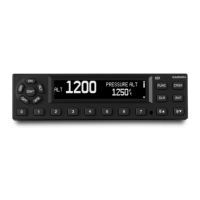
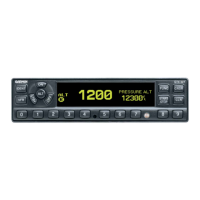
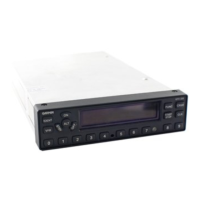
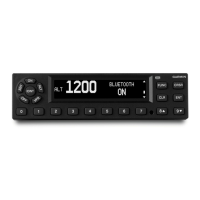
Overview of the panel mount transponder's display and keypad layout and controls.
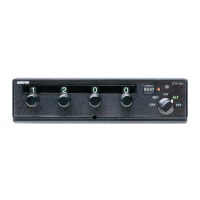
Explanation of the ON, ALT, VFR, OFF, SBY, and IDENT mode selection keys.
Details how the GTX 345 provides ADS-B, ADS-R, TIS-B traffic alerts and parameters.
 General
| Category | Marine Radio |
|---|---|
| Manufacturer | Garmin |
| Model | GTX 335 Series |
| ADS-B | Yes |
| Frequency Band | 1090 MHz |
| Operating Temperature | -20°C to +55°C |
| Compliant with | TSO-C166b |
| Transmitter Power | 250 W nominal |
| Protocols | Mode S |



 To Next Page