vates the Tamper Alarm will be indicated by this symbol (*) adjacent to the SEQUENCE code num-
ber. If the Tamper Alarm ever sounds, an operator should follow supervisor’s instructions.
10.18 COUNTER
If the current traffic count is not being reported on the LCD display, press this touchpad to view it.
Pressing and holding this touchpad for ten (10) seconds enables the operator to return the traffic
counter to zero (0). Supervisors will issue instructions concerning this control and its use by individ-
ual operators.
10.19 SUMMARY
It is important that all operators study the guidelines in this section carefully and remember their
basic responsibilities for operating the MT 5500 as stated on the first page:
• Make sure power is turned on;
• Make certain the unit is operating properly;
• Adjust volume of the alarm;
• Read the counter;
• Respond to all alarms.
Most important of all is the operator’s responsibility to make certain that every alarm be investigated
and that the reason for that alarm be determined.
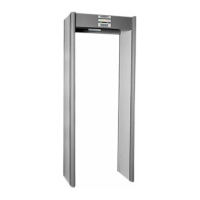
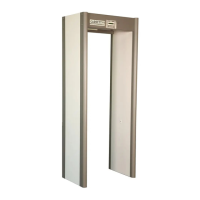
The MT 5500 is a fine walk-through metal detector. But, in the end, even an electronic device as
sophisticated as this is only a tool. Ultimate success of its operation is dependent upon:
• The training and diligence of the men and women who operate it;
• The system of which it is a part.
MT 5500
User Manual
© 2006 GARRETT METAL DETECTORS 36 PN 1530200.F.0506









 To Next Page