Magnum 4K8 Switches Installation and User Guide (10/04)
13
www GarrettCom com
..
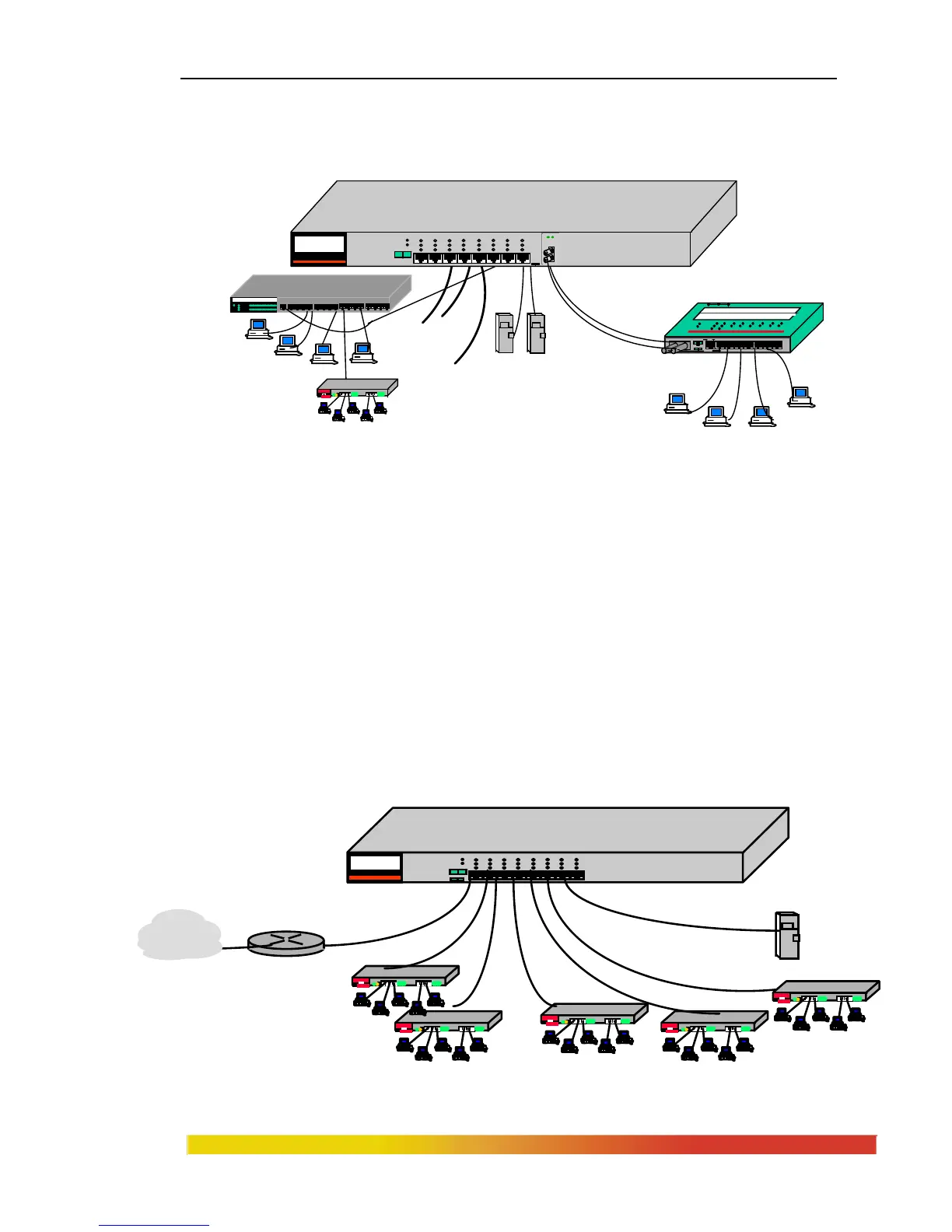
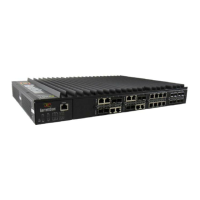
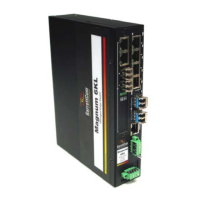
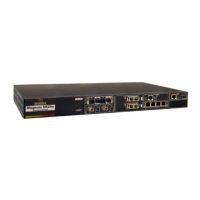
Magnum 4K8 . . . with optional switched fiber ports at 100Mb speed, with full-duplex
mode as a default setting on fiber ports, and with some RJ-45 N-way 10/100Mb ports as
well. . . handles this application readily.
Figure 2.4a: The Magnum 4K8 provides a 100Mb fiber backbone with high
bandwidth facility.
Example 2:
In another situation similar to Example 1 above, a central Switch is needed to
provide for a 8-segment 100Mb fiber Fast Ethernet backbone with switched copper
support for 1 high speed local servers and 5 personal network setup for each different
departments. In addition, the router and 1 port for future expansion.
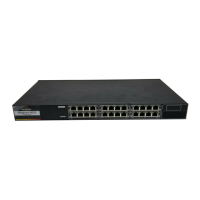
The Magnum 4K8 switches fit nicely in this environment with future
backbone expansion. The 8 switched copper ports are handled with Magnum 4K8.
Should the number of servers expand, more than one server can be serviced by a
switched 4K8 port by using any of 10/100Mbps switched port.
Fig 2.4b: Magnum 4K8 provides a 100Mb backbone Switch.
100Mb Fiber Link
segment
1 2 3 4 5 6 7 8 9 10 11
12 13 14 15 16
X
UPLINK
LK/RX
PORT
100
1
2 3 4 5 6 7 8 9 10 11 12 13 14 15 16
PWR
BR
COL 10
COL 100
Magnum DS8016 Stackable Hub
Magnum 800E
Workgr oup Hub
100 Mb/s
GARRETT
LINK
RX
LINK
RX
PWR COL
1 2 3
4
5 6 7
8
100Mb Servers
100Mbps Workstations
Tx Rx
UPLINK
FH
= X
2SW
UPLINK
3 4 5 6 7 8
1SW
Magnum DS80F Dual Speed
Personal Hub
PORTS 1SW 2SW 3 4 5 6 7 8
Link/Act
Speed
F/H
Power
Error
GAR RET T
12V, 1.5Amps
1 2 3 4 5 6 7 8
A L
POWER
ERROR
L/A
SPEED
F/H
MAGNUM 4K-Series
Ethernet 10/100 Switch
UPLINK
= X
F
H
Router


 To Next Page