23
FAN SPEED
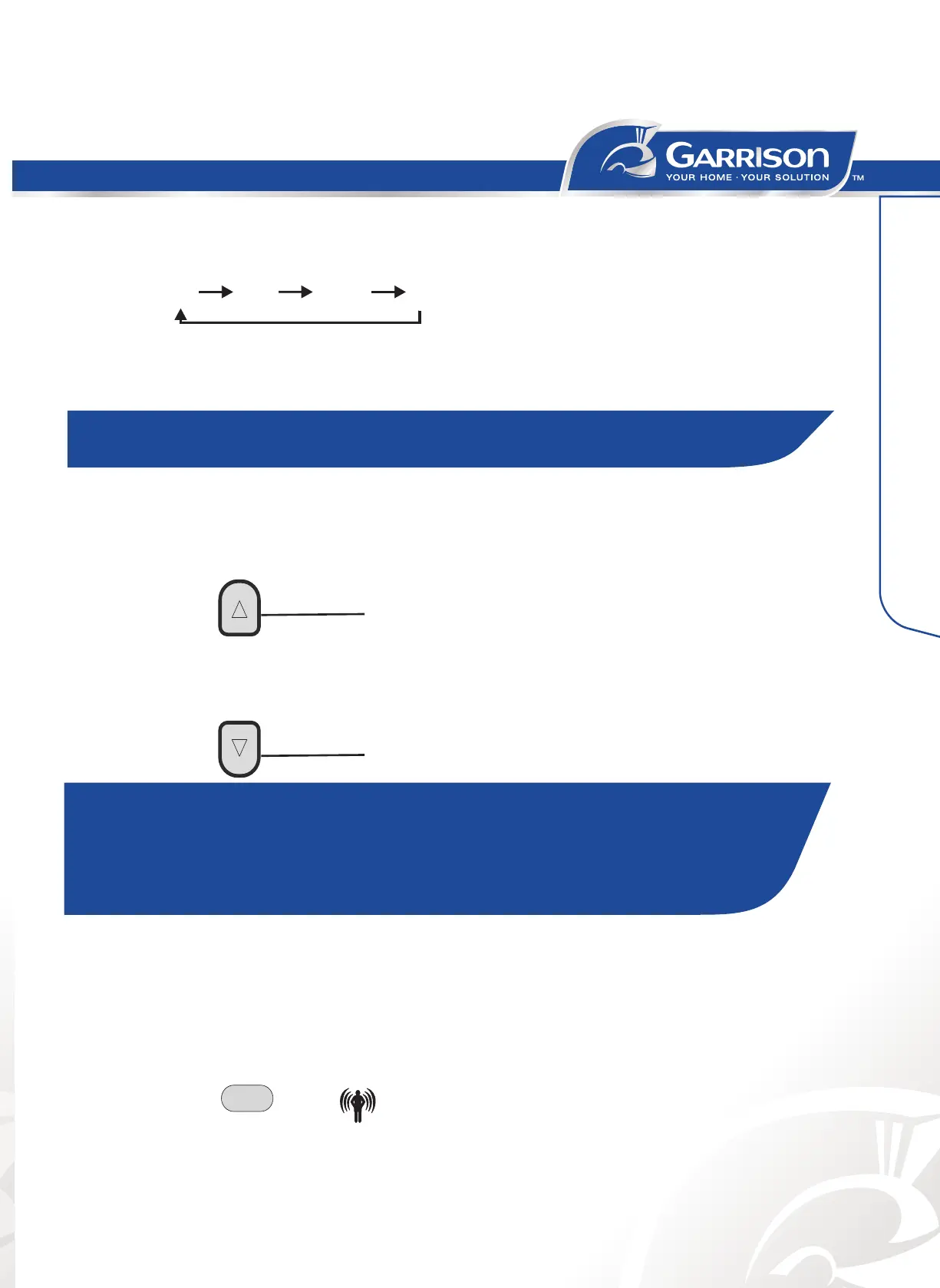
1. Press FAN button, Choose desired fan speed.
• Auto-Automatically controls fan speed depending on current room temperature and
temperature control setting.
• High or maximum cooling.
•
Mid for normal cooling.
•
Low for quieter cooling.
Auto
High
Medium
Low
Air Conditioner Use
NOTE: Auto fan speed cannot be selected in Fan Only mode.
TEMPERATURE
• Press the UP arrow button to raise the temperature. Press the UP arrow button once to
increase the set temperature by 2°F (1°C), or press twice to increase the set
temperature by 4°F(2°C).
• Press the down arrow to lower the temperature. Press the DOWN arrow button once to
decrease the set temperature by 2°F (1 °C), or press twice to decrease the set
temperature by 4°F (2"C).
UP
DOWN
NOTE:
• In the Cooling and Heating mode, the temperature can be set between
64 and 90°F (18 and 32°C).
• In Fan Only mode, Dry, Sleep control and Smart mode control, the
temperature cannot be set.
the I FEEL function will be shunted off.
I FEEL
• The default setting is I FEEL active. Or you can make it active by press I FEEL button.
• Press the I FEEL button for about 5 seconds, the signal in the display will disappear,
IFEEL
DIMMER
• Press the DIMMER button to turn off the light and display in the unit.
• Press any button will turn on the light and display again.
• Press the I FEEL button again to activate the function.



 To Next Page