12
Chapter 1: Introducing Your Gateway LCD TV
www.gateway.com
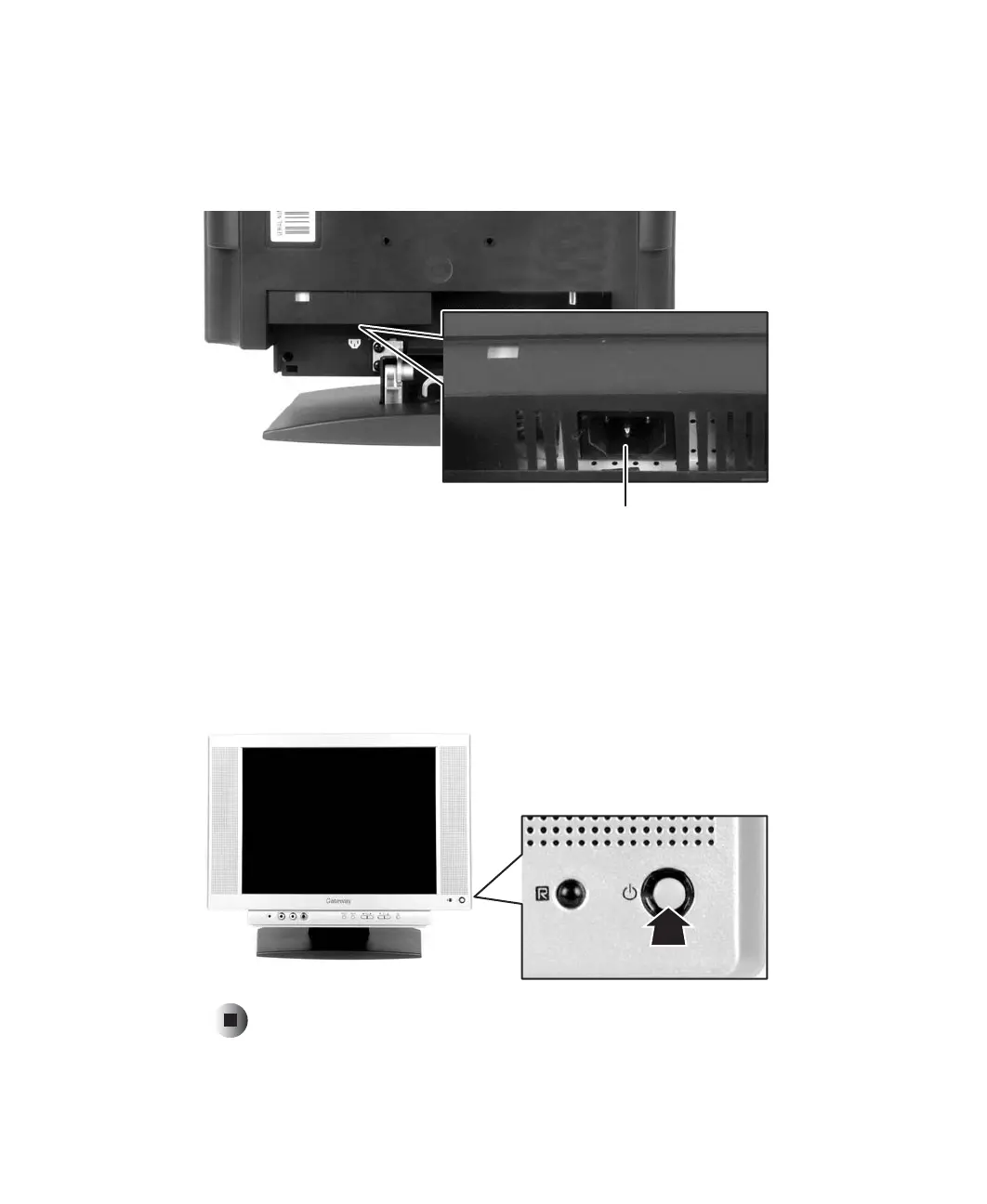
3 Connect the power cord to the power cord connector on the back of your
LCD TV, route the cable through the cable hook at the stand, then plug
the other end of the power cord into a correctly grounded electrical outlet
or surge protector.
4 Connect the video input sources. For information, see “Connecting
components” on page 17.
5 Replace the two cable connection covers.
6 Press the power button on the remote control or the front of your LCD TV.
The Status LED on the front turns green.
Power cord connector



 To Next Page