11
Turning on your LCD TV
www.gateway.com
Turning on your LCD TV
To turn on your LCD TV:
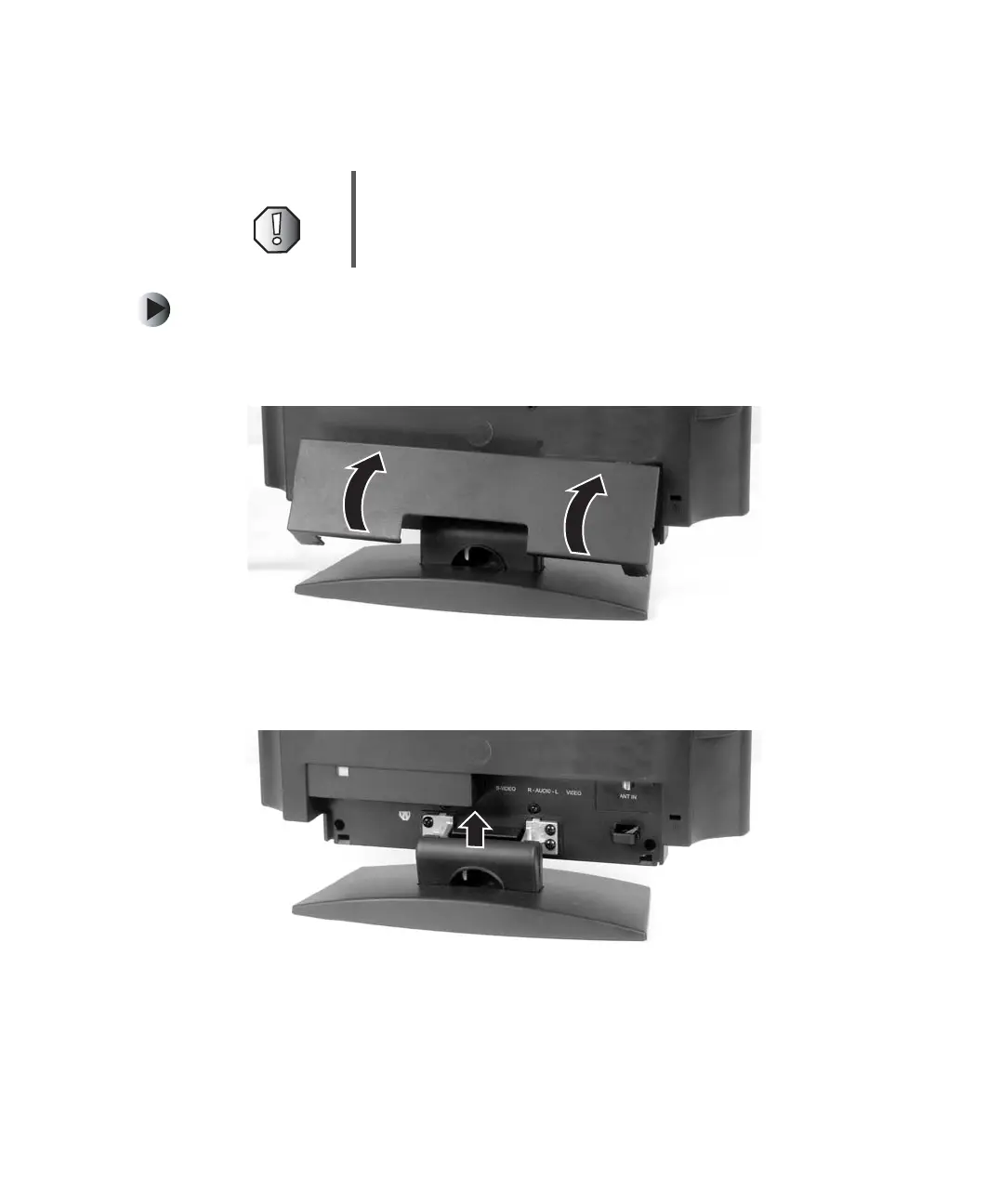
1 Use the two tabs at the bottom corners to swing up and remove the cable
connection cover on the back of your LCD TV.
2 Tilt back and lift the cable cover on the back of your LCD TV approximately
45 degrees to remove it.
Warning For added protection during a lightning storm or when it
is left unattended or unused for long periods of time,
unplug your LCD TV from the wall outlet and disconnect
the antenna or cable system.



 To Next Page