23
Using the OSD
www.gateway.com
OSD menus and options
You can use these OSD menus and options to adjust various settings for your
LCD TV.
OSD Menu Description
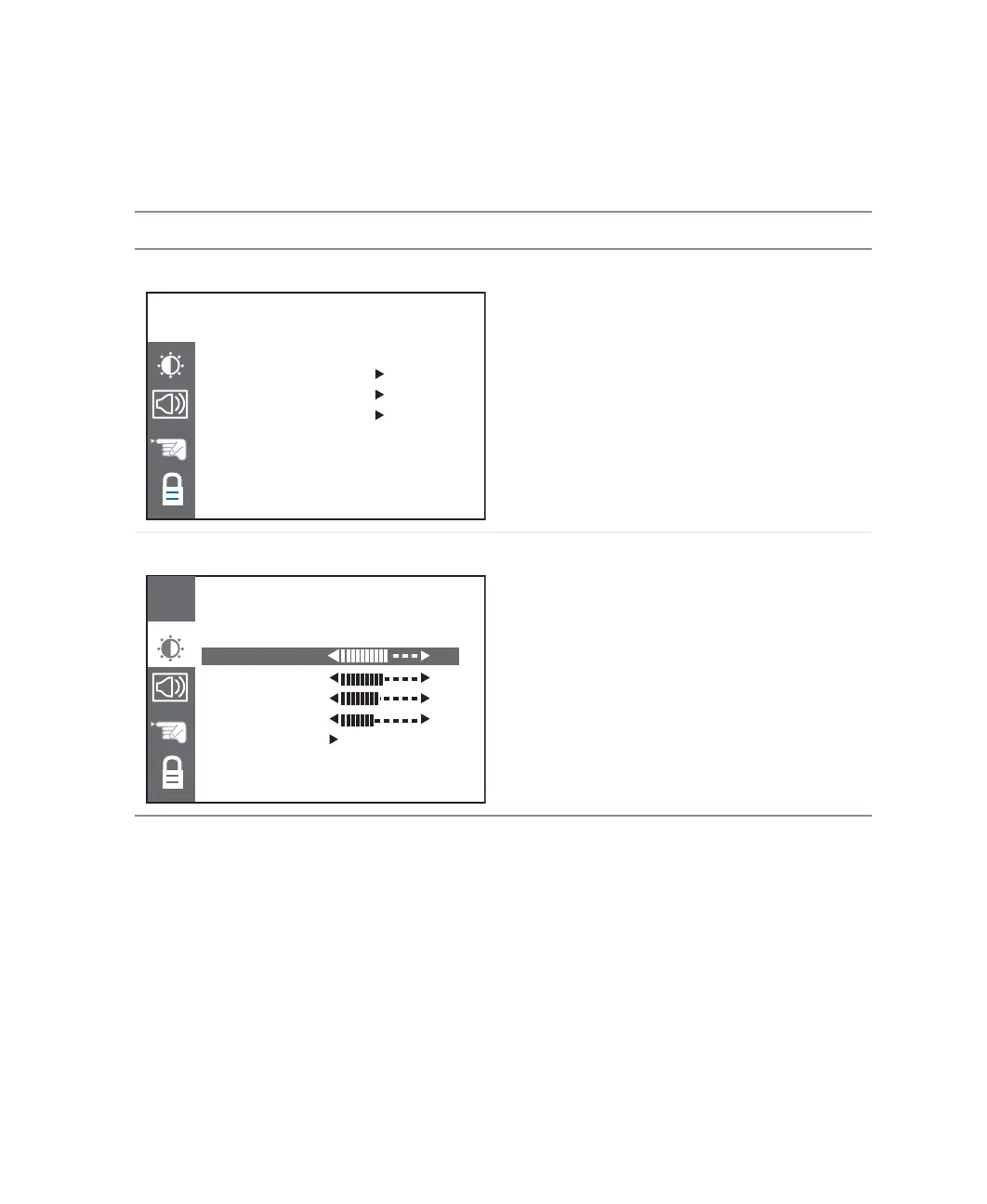
CHANNEL
This menu is only available in TV mode.
AUTO CHANNEL. When this option is selected,
your LCD TV adds all channels that have a
signal to the channel list.
MANUAL CHANNEL. Changes the TV channel.
ADD/DEL CHANNEL. Adds or removes the
current channel to the channel list.
VIDEO
CONTRAST. Adjusts the contrast of the picture.
BRIGHTNESS. Adjusts the brightness of the
picture.
You may need to readjust brightness after the
LCD TV warms up.
COLOR. Adjusts the color saturation making
colors more intense.
TINT. Adjusts the color of flesh tones.
RESET. Resets picture settings to the factory
default.
CHANNELCHANNEL
CH
AUTO CHANNEL OFF
MANUAL CHANNEL TV 12
ADD/DEL CH. ADD
VIDEOVIDEO
CH
CONTRAST 64
BRIGHTNESS 55
COLOR 50
TINT 45
RESET OFF



 To Next Page