24
Chapter 3: Adjusting Your LCD TV Settings
www.gateway.com
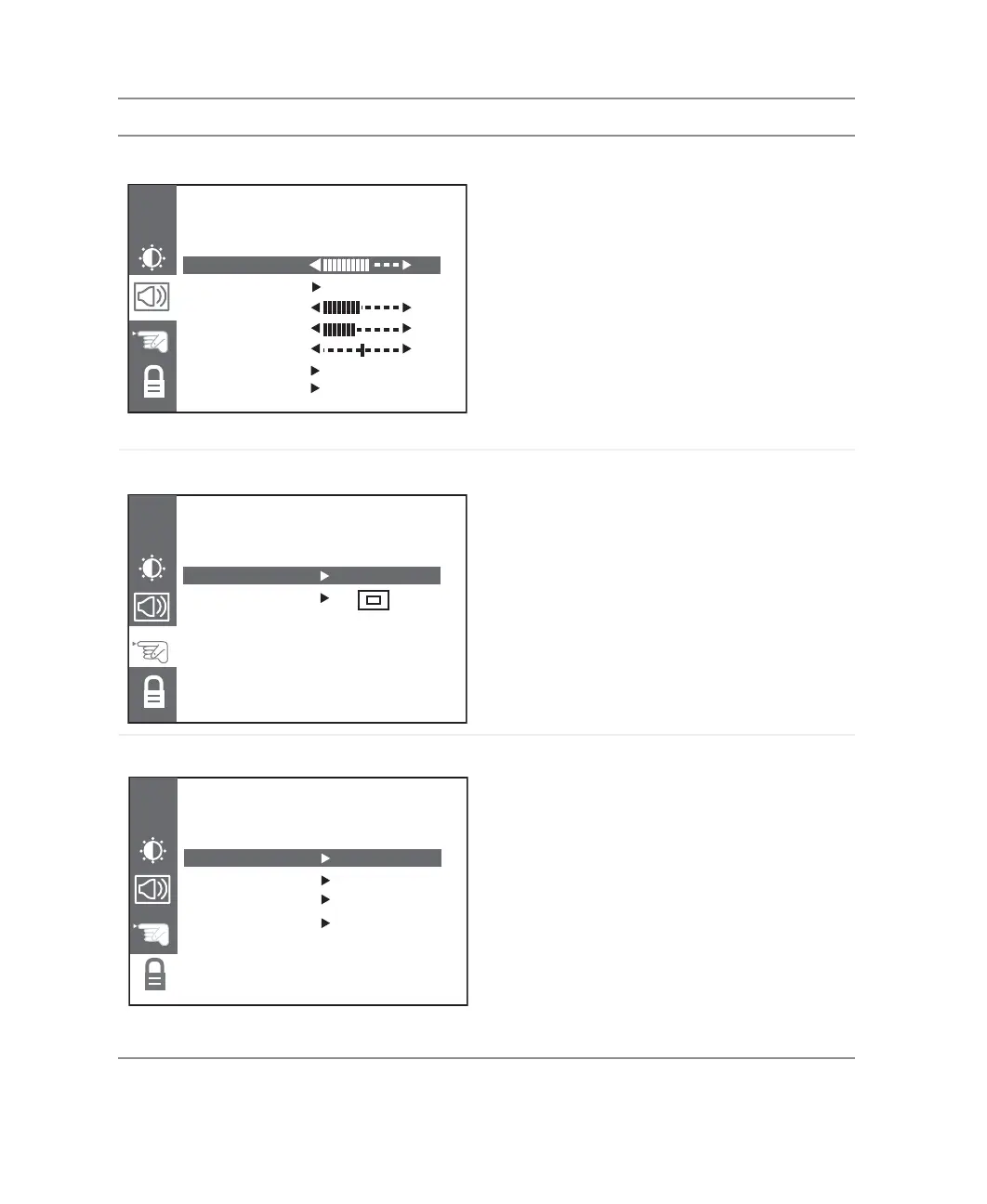
AUDIO
VOLUME. Turns volume up or down.
MUTE. Turns the sound on and off.
BASS. Adjusts the bass.
TREBLE. Adjusts the treble.
BALANCE. Adjusts the balance level between
the speakers.
SOUND. Changes the sound output for
TV programs. Switch between Stereo, Sap
(Second Audio Program), or Mono for audio
simulcasts. The TV program must support the
output option.
AVL. Automatic volume leveling keeps volume
levels the same between different programs.
SETUP
Language. Changes the language of the OSD
menu. Choose between English, French, or
Spanish.
OSD POSITION. Adjusts the position of the OSD
within the display image.
OPTIONS
CAPTION/TEXT. Selects the closed captioning
text option.
CAPTIONS. Turns captioning on and off.
EZ MUTE automatically turns captioning on
when your LCD TV is muted.
KEY LOCK. Locks out all buttons on the front of
your LCD TV except the power button. When this
option is on, you need to use the remote control
to control your LCD TV.
PARENTAL. Activates parental controls. You
need the remote control to use this option.
For more information, see “PARENTAL” on
page 25 and “Using parental controls” on
page 27.
OSD Menu Description
AUDIOAUDIO
CH
VOLUME 64
MUTE OFF
BASS 50
TREBLE 45
BALANCE 0
SOUND STEREO
AVL ON
SETUPSETUP
CH
LANGUAGE ENGLISH
OSD POSITION
OPTIONSOPTIONS
CH
CAPTION/TEXT CC 1
CAPTIONS EZ MUTE
KEY LOCK OFF
PARENTAL



 To Next Page