25
Using the OSD
www.gateway.com
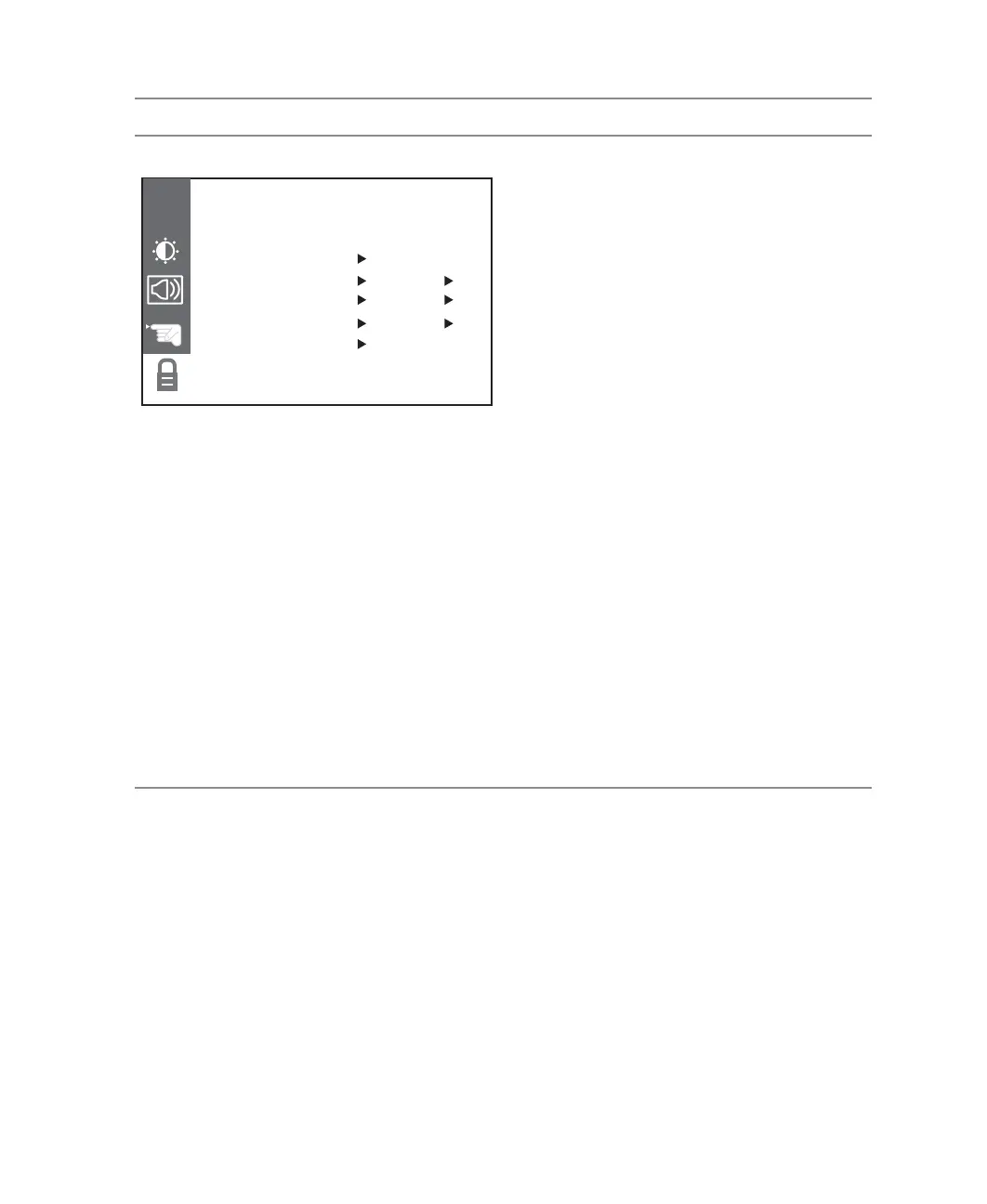
PARENTAL
MPAA. Set parental controls to follow current
MPAA movie rating guidelines:
G (general audience)
PG (parental guidance suggested)
PG-13 (children 13 years of age and older)
R (mature audience)
NC-17 (no one under 17 years of age)
X (no one under 17 years of age)
AGE BLOCK. Set parental controls to follow
current TV rating guidelines.
For children:
TV-Y (all children)
TV-Y7 (older children)
For general:
TV-G (general audience)
TV-PG (guidance suggested)
TV-14 (strongly cautioned)
TV-MA (mature audience)
CONTENT BLOCK. Set parental controls to
block programming based on content:
DIALOGUE (sexual dialog)
LANGUAGE (adult language)
SEX SCENE (sexual situations)
VIOLENCE (violence)
F VIOLENCE (fantasy violence)
SET CODE. Changes the password that
accesses the parental submenu.
LOCK ON/OFF. Turns parental controls on and
off.
OSD Menu Description
PARENTAL BLOCKPARENTAL BLOCK
CH
MPAA UNBLOCKED
AGE BLOCK TO SET:
CONTENT BLOCK TO SET:
SET CODE TO SET:
LOCK ON/OFF OFF



 To Next Page