19
Connecting components
www.gateway.com
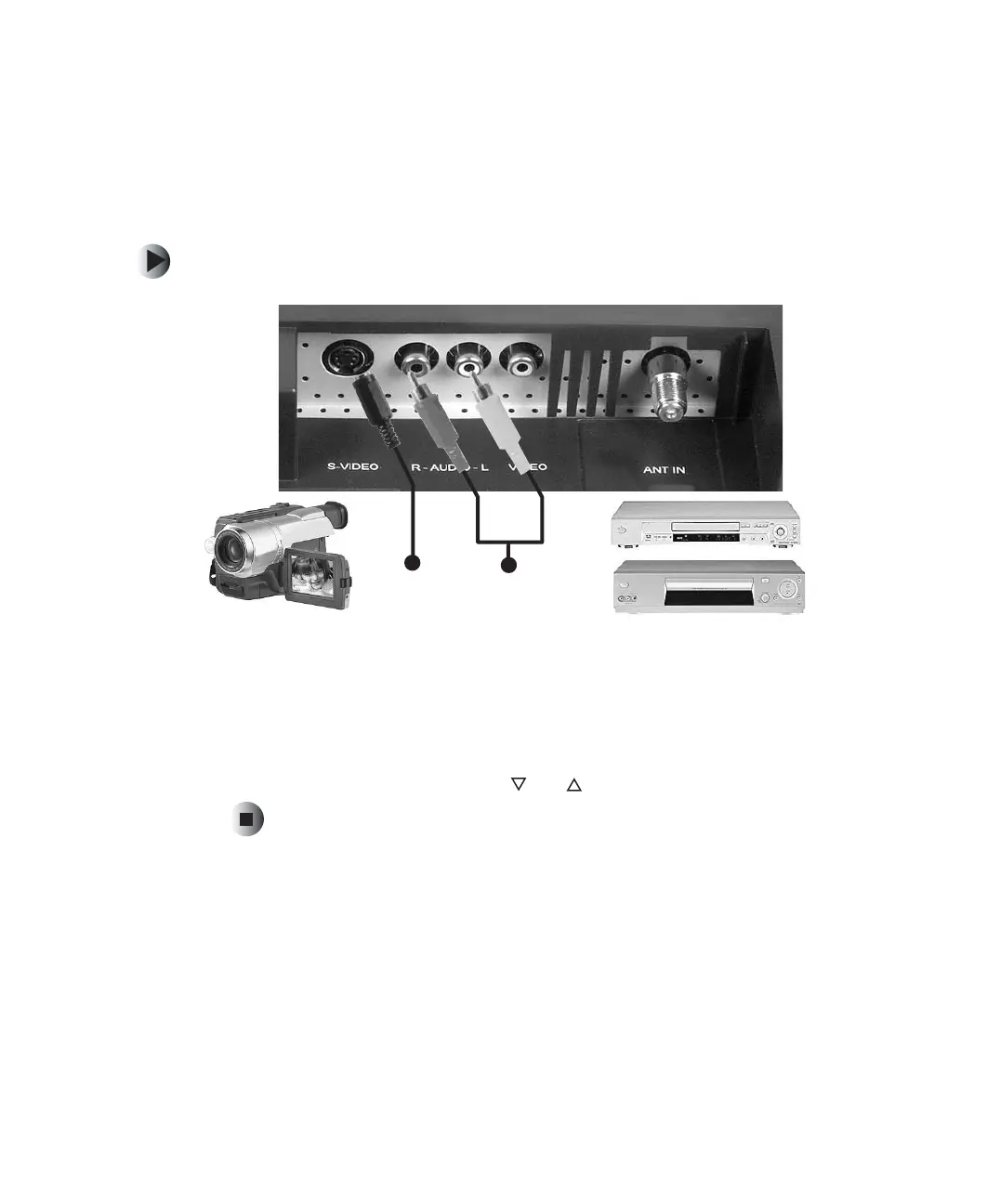
Using S-Video
Use S-Video to connect components such as a DVD player, set top box, VCR,
or video camera. For more information, see “Audio and video connections” on
page 14.
To connect a component using S-Video:
1 Connect the S-Video jack on the back of the component to the S-Video
jack on the back of your LCD TV.
2 Connect the red (R) and white (L) audio jacks on the back of the
component to the R and L audio jacks on the back of your LCD TV.
3 Press the INPUT button, channel and to select S-VIDEO, then press OK.
S-Video
Audio



 To Next Page