16
Chapter 2: Connecting Components
www.gateway.com
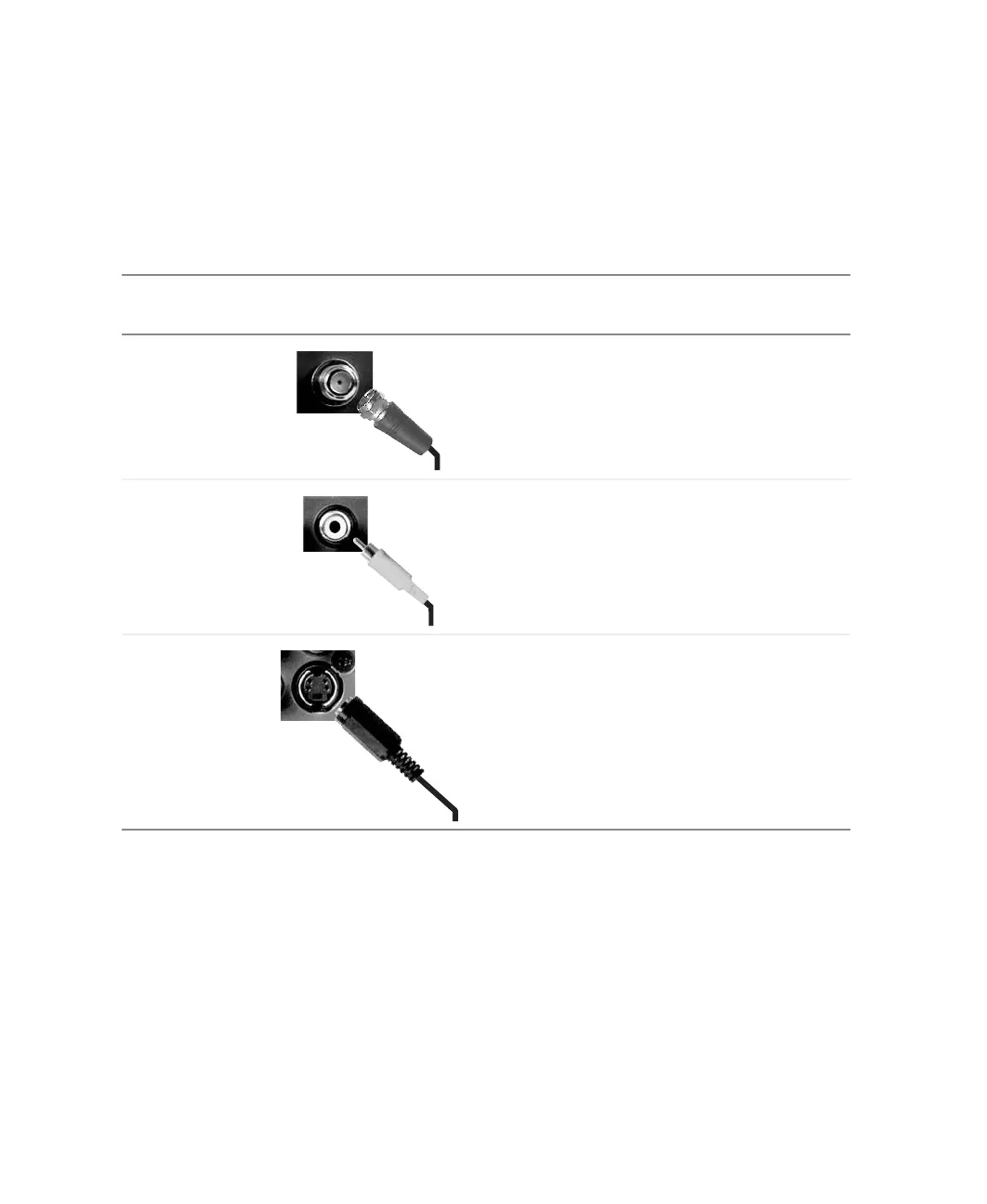
Understanding video connections
Your LCD TV has three types of standard video connections. You should use
the best connection available to get the best display. For example, if your DVD
player has a composite video and an S-Video connection, connect the DVD
player to your LCD TV using S-Video instead of composite video.
Connection
Quality
Cable and Connector Description
Basic Coaxial (RF). The video and audio signals
are both carried in one cable (the other two
connection types only handle video, and
require separate connections for sound).
Coaxial is the only way to connect an
antenna to your LCD TV.
Good Composite (AV). The video signal is carried
through a single “pin.” This connection
method is the one that is most commonly
found on devices.
Better S-Video. The video signal is split into two
signals, black-and-white and color. Text
displayed on-screen through this connection
will be noticeably sharper then composite or
coaxial (RF).



 To Next Page