28
Chapter 3: Adjusting Your LCD TV Settings
www.gateway.com
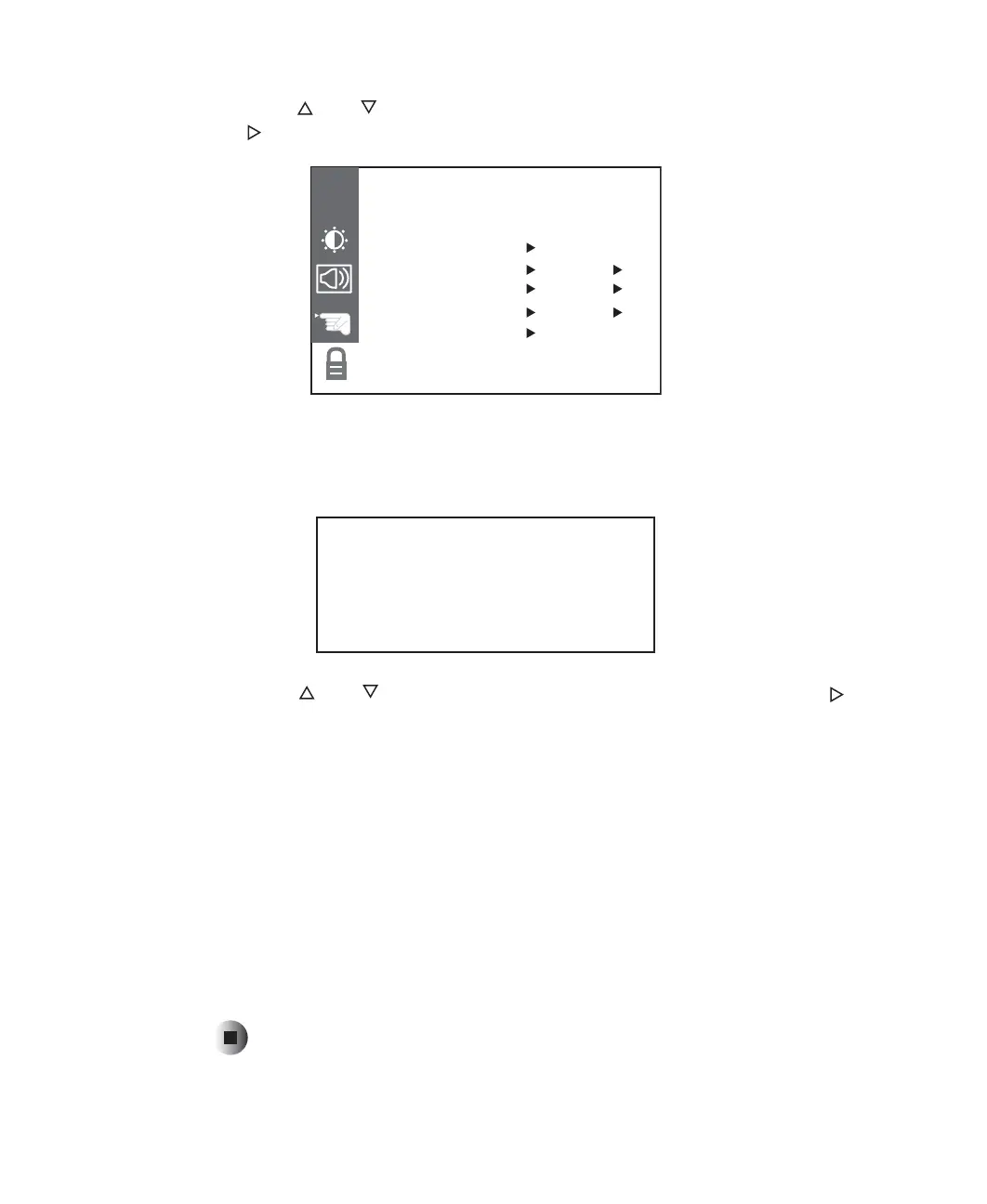
3 Press the and buttons to select the PARENTAL sub-menu, then press
the button to open the sub-menu.
4 Use the number pad to enter your password when prompted. If you have
not set a password, enter 0000. For more information about setting a
password, see “Setting a password” on page 33.
5 Press the and buttons to select the MPAA option, then press the
button to change the settings.
This option lets you block the following MPAA movie ratings:
■ G (general audience)
■ PG (parental guidance suggested)
■ PG-13 (recommended for children 13 years of age and older)
■ R (mature audience)
■ NC-17 (no one under 17 years of age)
■ X (no one under 17 years of age)
6 Press EXIT when you are finished making changes to this option.
PARENTAL BLOCKPARENTAL BLOCK
CH
MPAA UNBLOCKED
AGE BLOCK TO SET:
CONTENT BLOCK TO SET:
SET CODE TO SET:
LOCK ON/OFF OFF
ENTER CODE
- - - -



 To Next Page