31
Using the OSD
www.gateway.com
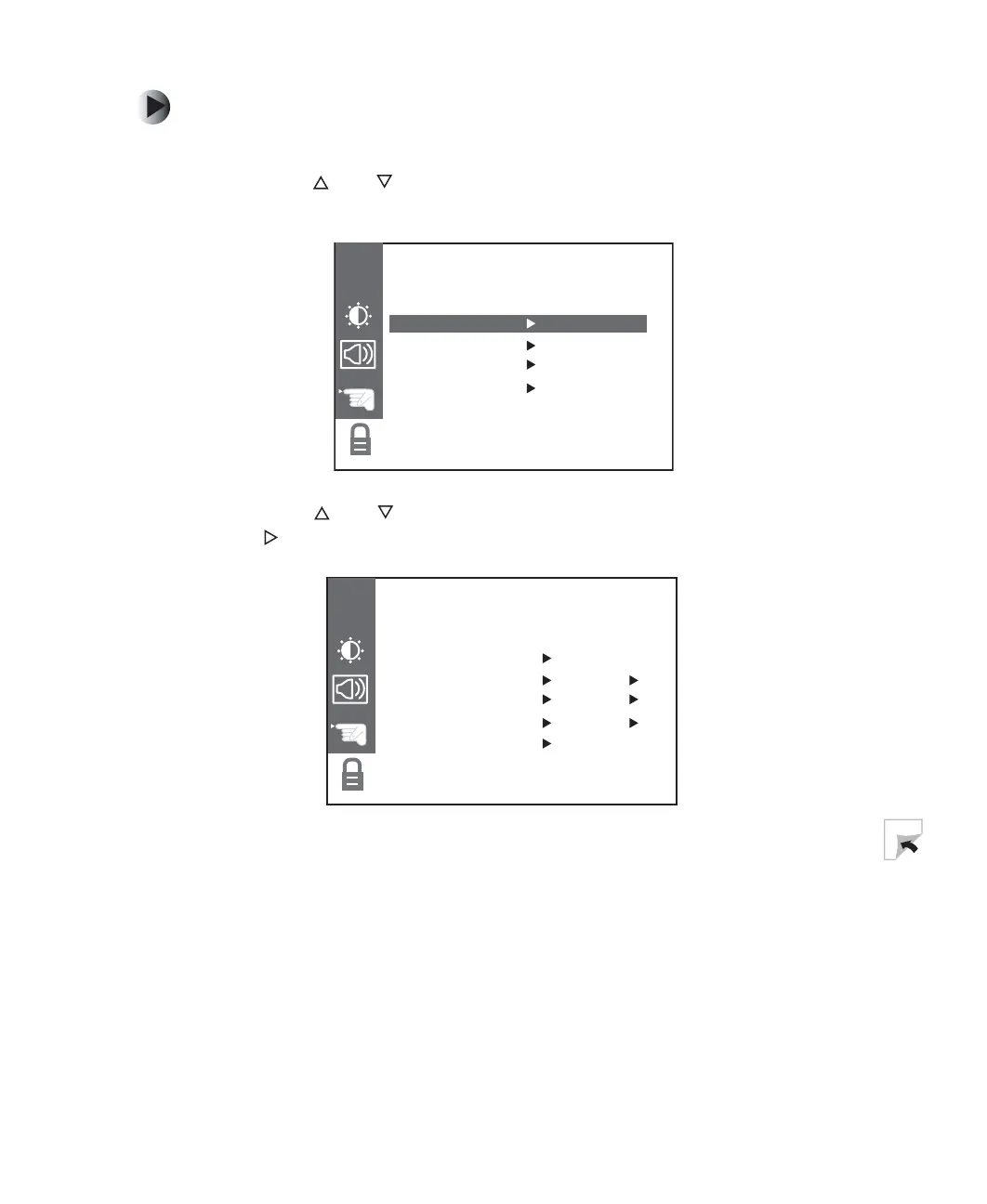
To set the parental controls using CONTENT BLOCK:
1 Press the MENU button on remote control to open the OSD.
2 Press the and buttons to select the OPTIONS menu, then press OK to
open the menu.
3 Press the and buttons to select the PARENTAL sub-menu, then press
the button to open the sub-menu.
OPTIONSOPTIONS
CH
CAPTION/TEXT CC 1
CAPTIONS EZ MUTE
KEY LOCK OFF
PARENTAL
PARENTAL BLOCKPARENTAL BLOCK
CH
MPAA UNBLOCKED
AGE BLOCK TO SET:
CONTENT BLOCK TO SET:
SET CODE TO SET:
LOCK ON/OFF OFF



 To Next Page