35
www.gateway.com
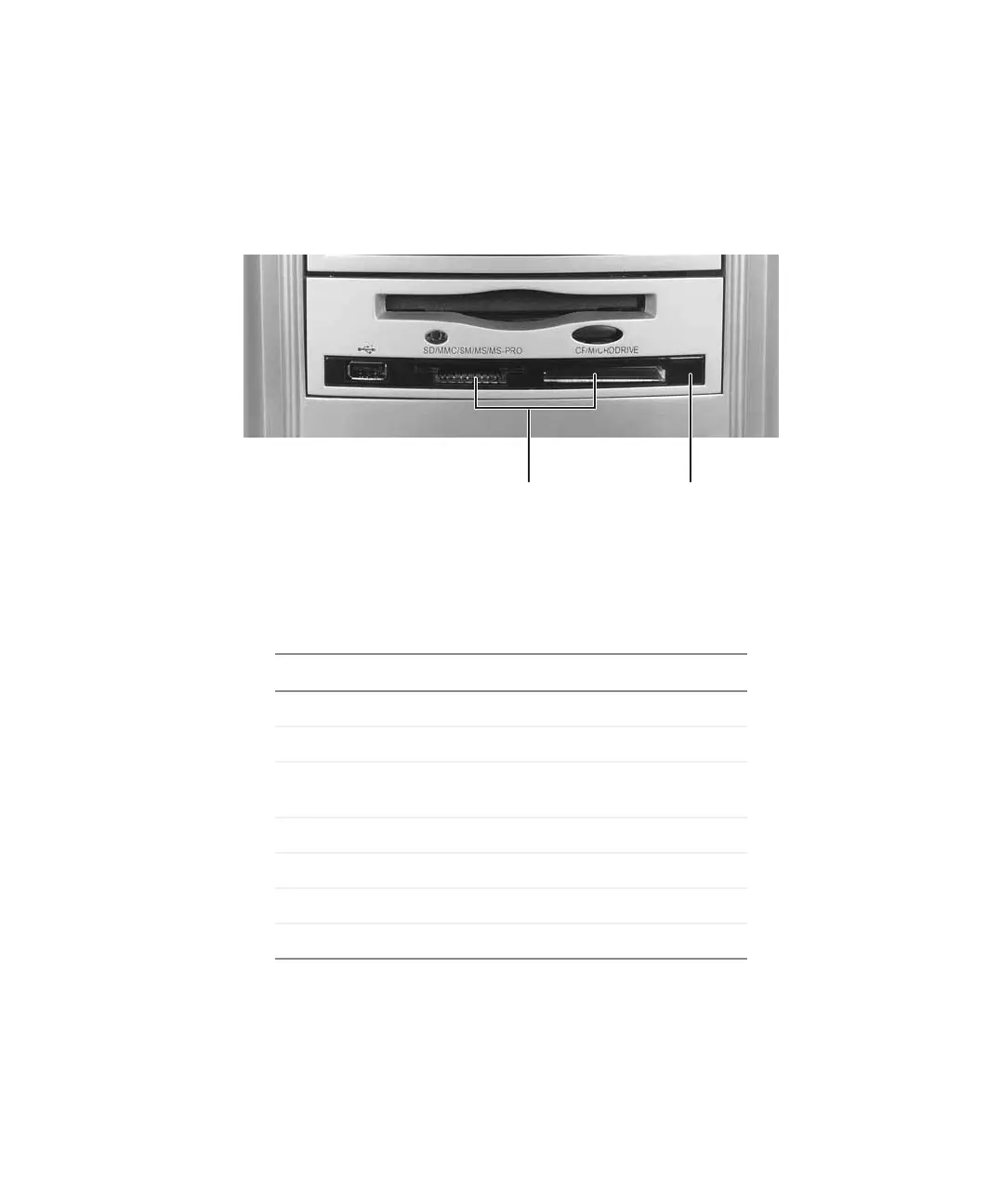
Using the memory card reader
Using the memory card reader
You can use the optional memory card reader to transfer pictures from a digital camera
to your computer. You can also use the memory card reader to transfer data between your
computer and a device that uses memory cards, such as a PDA, MP3 player, or cellular
telephone.
Memory card types
The memory card reader supports the following card types:
Each slot is assigned a different drive letter (for example, the E: and F: drives) so data can
be transferred from one memory card type to another.
Card Type Slot Insert
Secure Digital
™
left Label facing up
MultiMediaCard
™
left Label facing up
SM (SmartMedia
™
) left Label facing down (gold
contact area facing up)
Memory Stick
®
left Label facing up
Memory Stick PRO
™
left Label facing up
CompactFlash
®
right Label facing up
IBM Microdrive
™
right Label facing up
Memory card
reader slots
Activity
indicator



 To Next Page