45
www.gateway.com
Protecting your computer from viruses
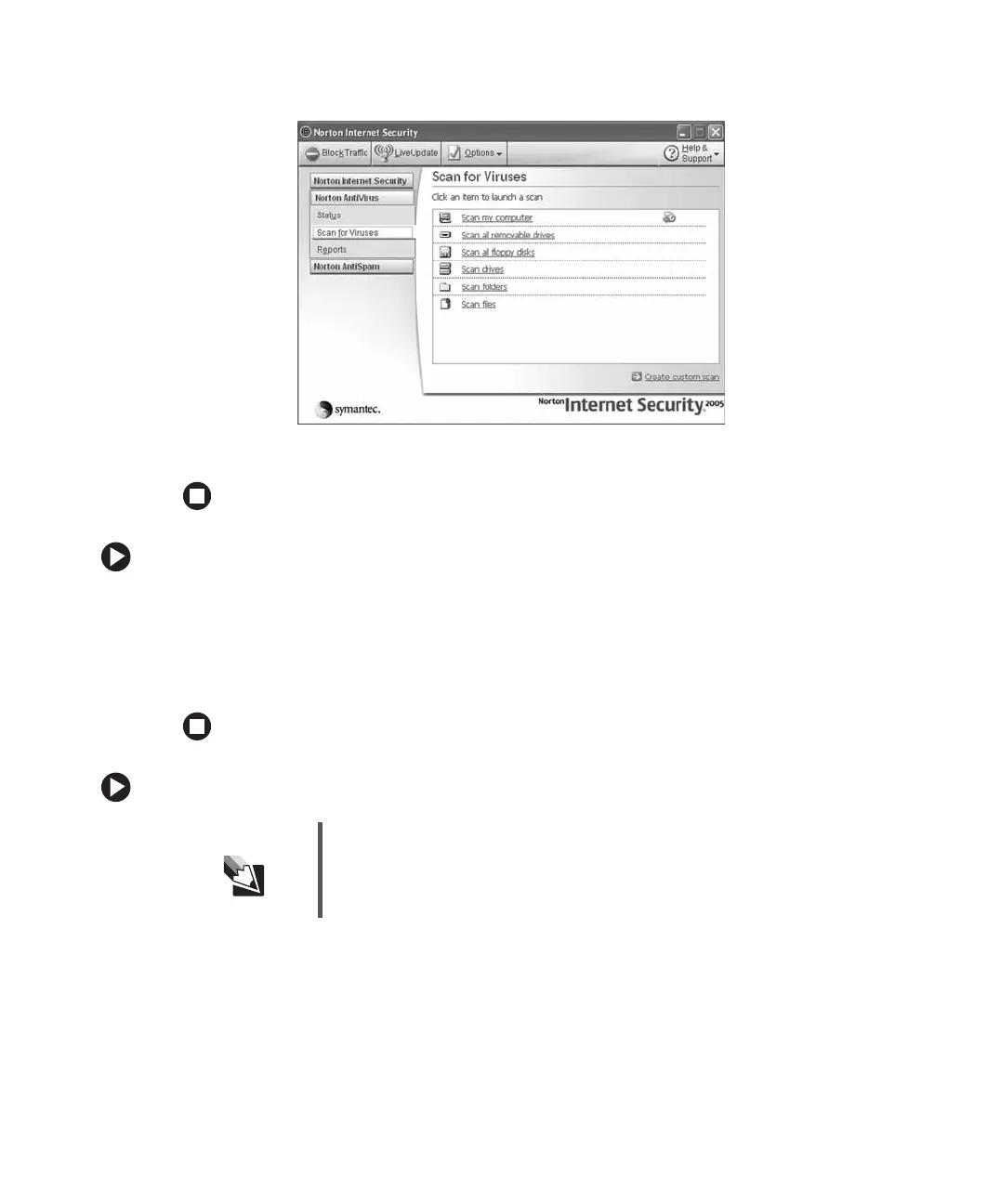
3 Click Scan for Viruses.
4 Click the type of scan you want to make in the Scan for Viruses area.
To remove a virus:
1 If Norton Internet Security finds a virus, follow all on-screen instructions to remove
the virus.
2 Turn off your computer and leave it off for at least 30 seconds.
3 Turn on your computer and rescan for the virus.
To update Norton Internet Security:
1 Make sure that you are connected to the Internet.
2 Click Start, All Programs, Norton Internet Security, then click Norton Internet Security.
Norton Internet Security opens.
3 Click LiveUpdate. The LiveUpdate wizard opens.
Tips & Tricks You received a free, limited-time subscription to the Norton Internet
Security service when you purchased your computer. To update
Norton Internet Security after the free subscription period, you must
extend your subscription.



 To Next Page