CHAPTER3: Setting Up and Getting Started
22
Using the mouse
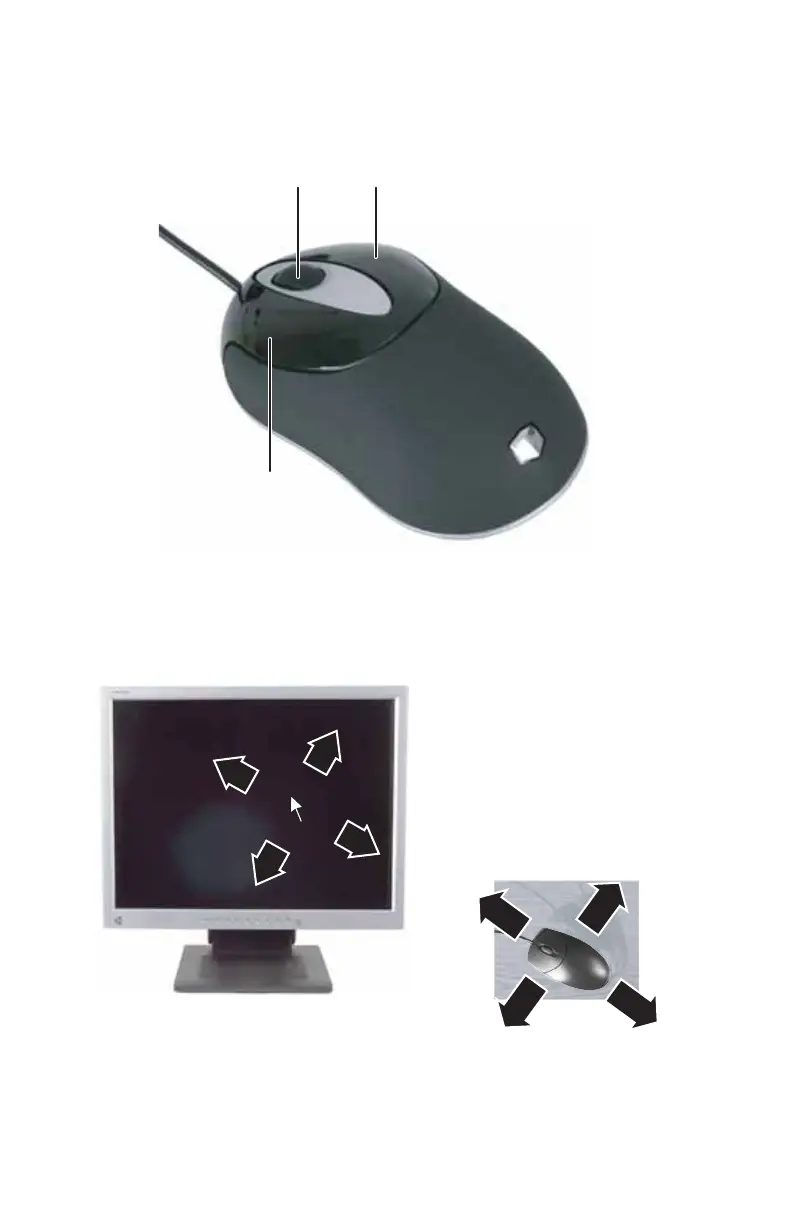
The mouse is a device that controls the pointer movement on
the computer display. This illustration shows the standard
mouse.
As you move the mouse, the pointer (arrow) on the display
moves in the same direction.
You can use the left and right buttons on the mouse to select
objects on the display.
Scroll wheel
Left button
Right button
8512418.book Page 22 Friday, May 11, 2007 11:44 AM



 To Next Page