CHAPTER4: Upgrading Your Computer
36
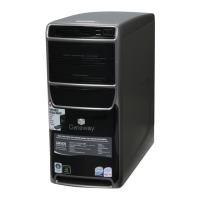
Removing the front bezel
To remove the front bezel:
1 Remove the side panel by following the instructions in
“Removing the side panel” on page 35.
2 Press the three bezel retention tabs, then swing the left
side of the bezel away from the computer and remove it.
Ta bs
8512418.book Page 36 Friday, May 11, 2007 11:44 AM



 To Next Page