www.gateway.com
39
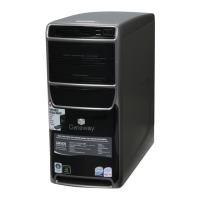
2 Press firmly on the lower left and lower right parts of the
color panel to release the panel from the front bezel. You
should press the two points against the computer until
you hear or feel a click, which is the sound of the panel’s
internal locking tabs unlocking.
3 Swing the bottom of the panel away from the bezel and
remove it. The panel should easily slide out.
Press
here
Press
here
8512418.book Page 39 Friday, May 11, 2007 11:44 AM



 To Next Page