CHAPTER 3: Replacing notebook components
100
Replacing the LCD
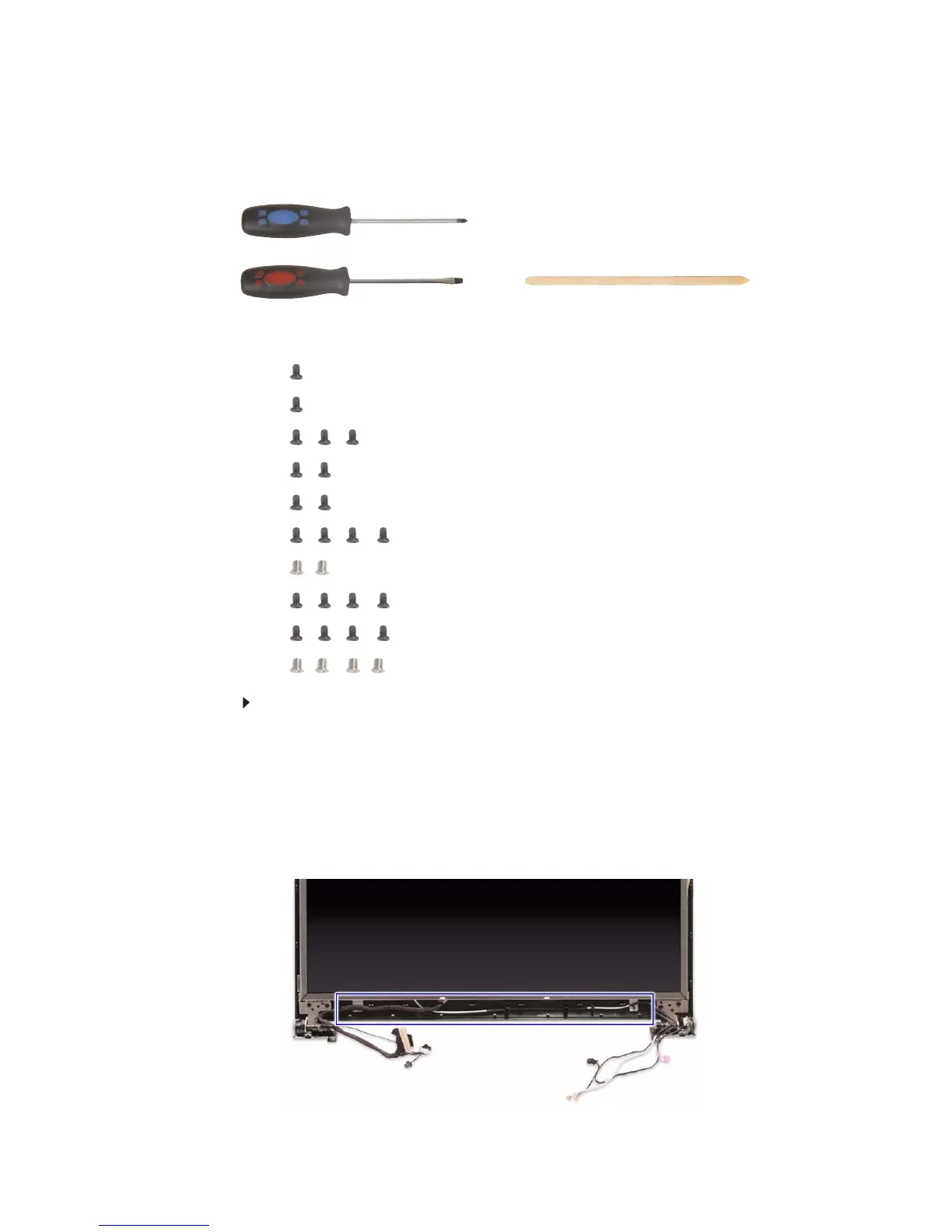
Tools you need to complete this task:
Screws removed during this task:
• 1 black M2×5 (hard drive)
• 1 black M2.5×6 (optical drive)
• 3 black M2.5×6 (keyboard cover)
• 2 black M2.5×6 (LCD panel hinges - bottom)
• 2 black M2.5×6+Nylok (LCD panel hinges - top)
• 4 black M2.5×6+Nylok (LCD front panel)
• 2 chrome M2×4 (LCD hinge covers)
• 4 black M2.5×6+Nylok (LCD front panel)
• 4 black M2.5×5 (LCD panel hinges)
• 4 chrome M2×3 (LCD panel brackets)
To replace the LCD:
1 Complete the steps in “Preparing the notebook” on page 47.
2 Remove the LCD panel assembly by performing steps 2–15 of the
“Replacing the LCD panel assembly” procedure on page 64.
3 Remove the LCD front panel by performing steps 3–7 of the “Replacing the
LCD front panel” procedure on page 95.
4 Release the LCD, webcam, microphone, antenna, and power button from
their LCD assembly lid latches.
Phillips #0 screwdriver
Flat screwdriver or Non-marring plastic scribe












 To Next Page