107
Using the optional DVD/CD-RW drive
www.gateway.com
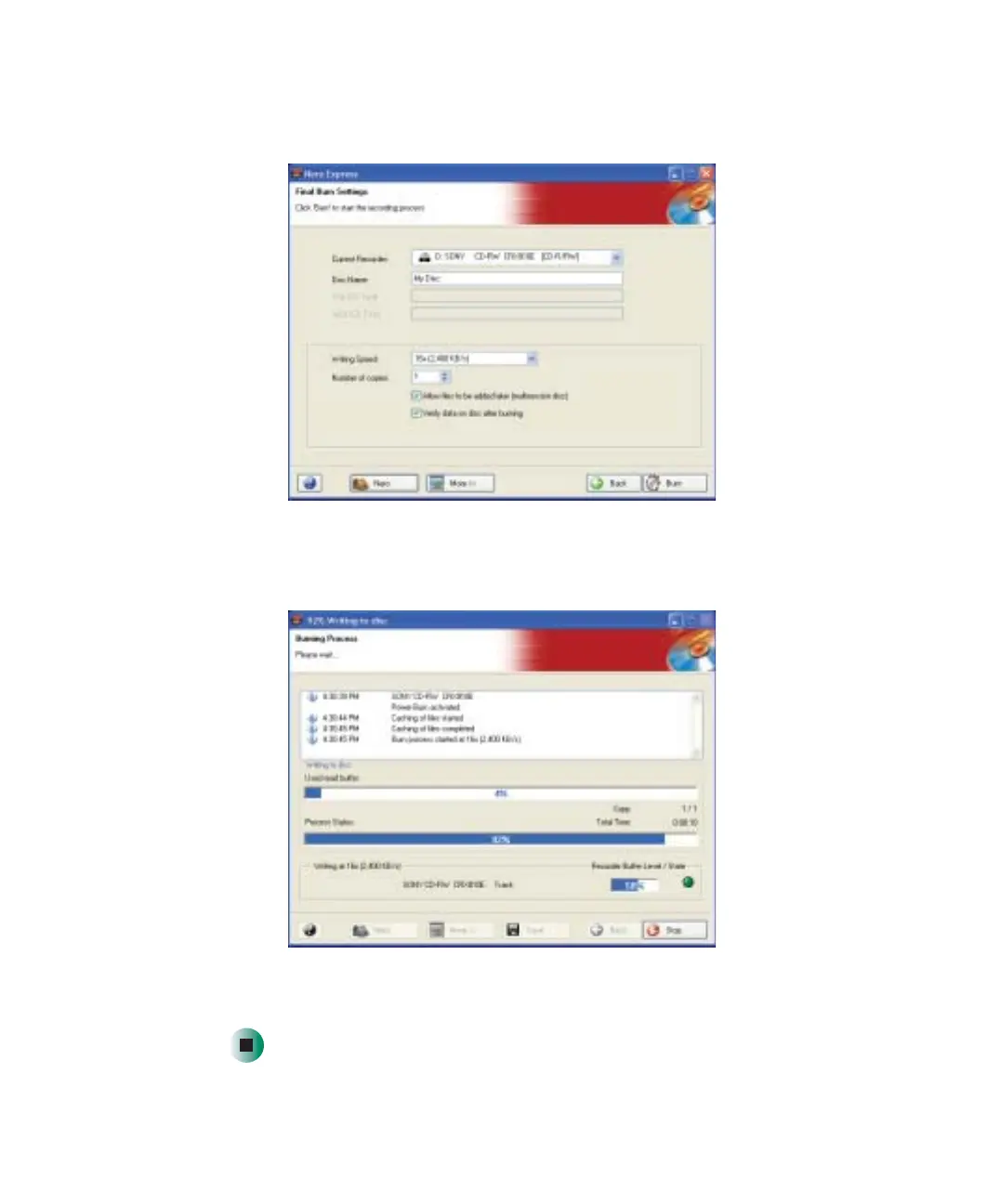
6 After you have added all of your tracks and files, tap Next. The Final Burn
Settings screen opens.
7 Type a name for the disc in the Disc Name box.
8 Tap Burn. The Burning Process screen opens.
9 When you are notified that the burn has been completed successfully, tap
OK.



 To Next Page