36
Chapter 2: Getting Started
www.gateway.com
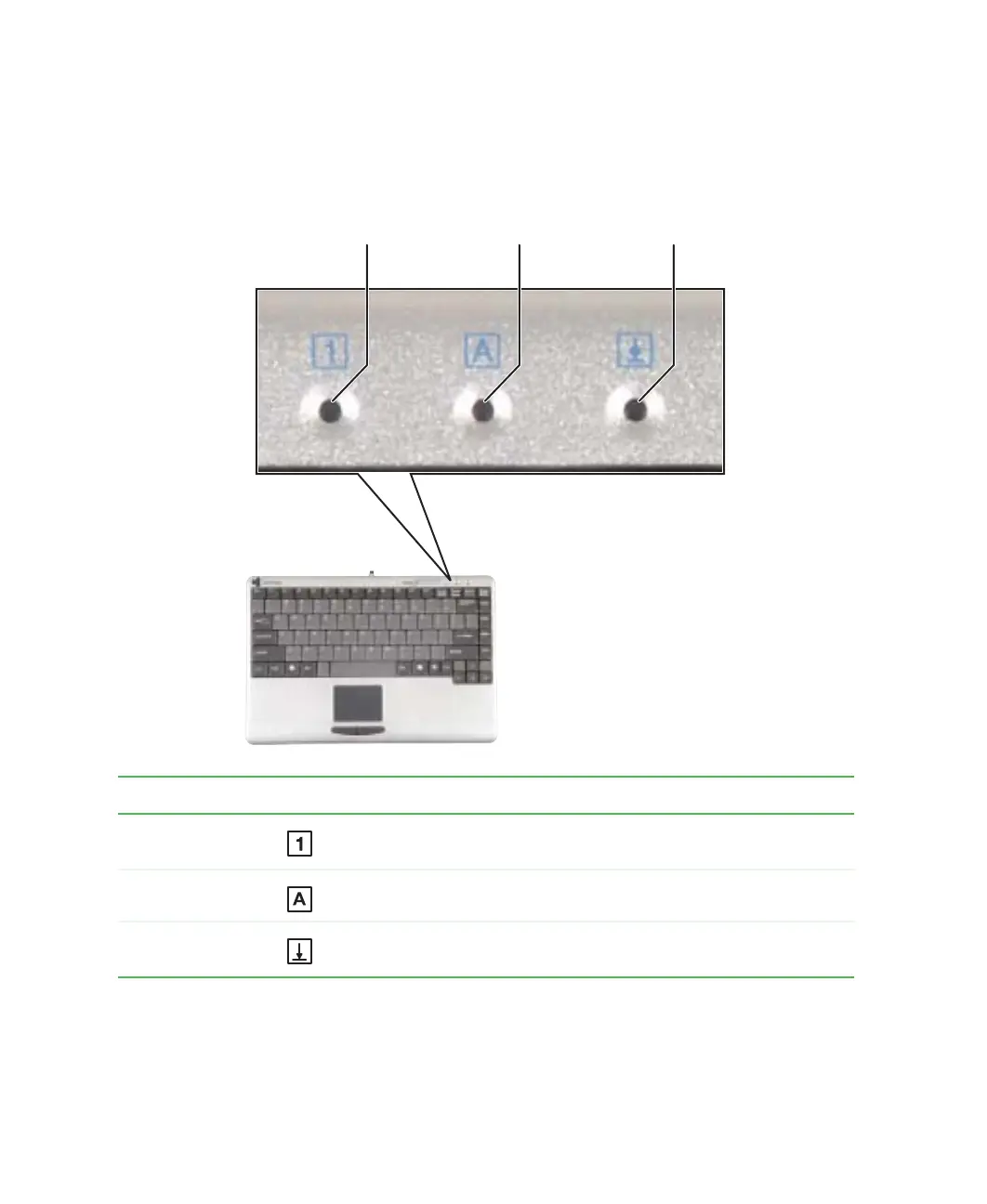
Status indicators
Status indicators inform you when a button has been pressed that affects how
the keyboard is used.
Indicator Icon Description
Pad Lock Numeric keypad is turned on. For more information, see “System
key combinations” on page 35.
Caps Lock Caps Lock is turned on.
Scroll Lock Scroll Lock is turned on. For more information, see “System key
combinations” on page 35.
Caps lock
Scroll lock
Pad lock



 To Next Page