4
Chapter 1: Checking Out Your Gateway M1300 Tablet PC
www.gateway.com
Buttons
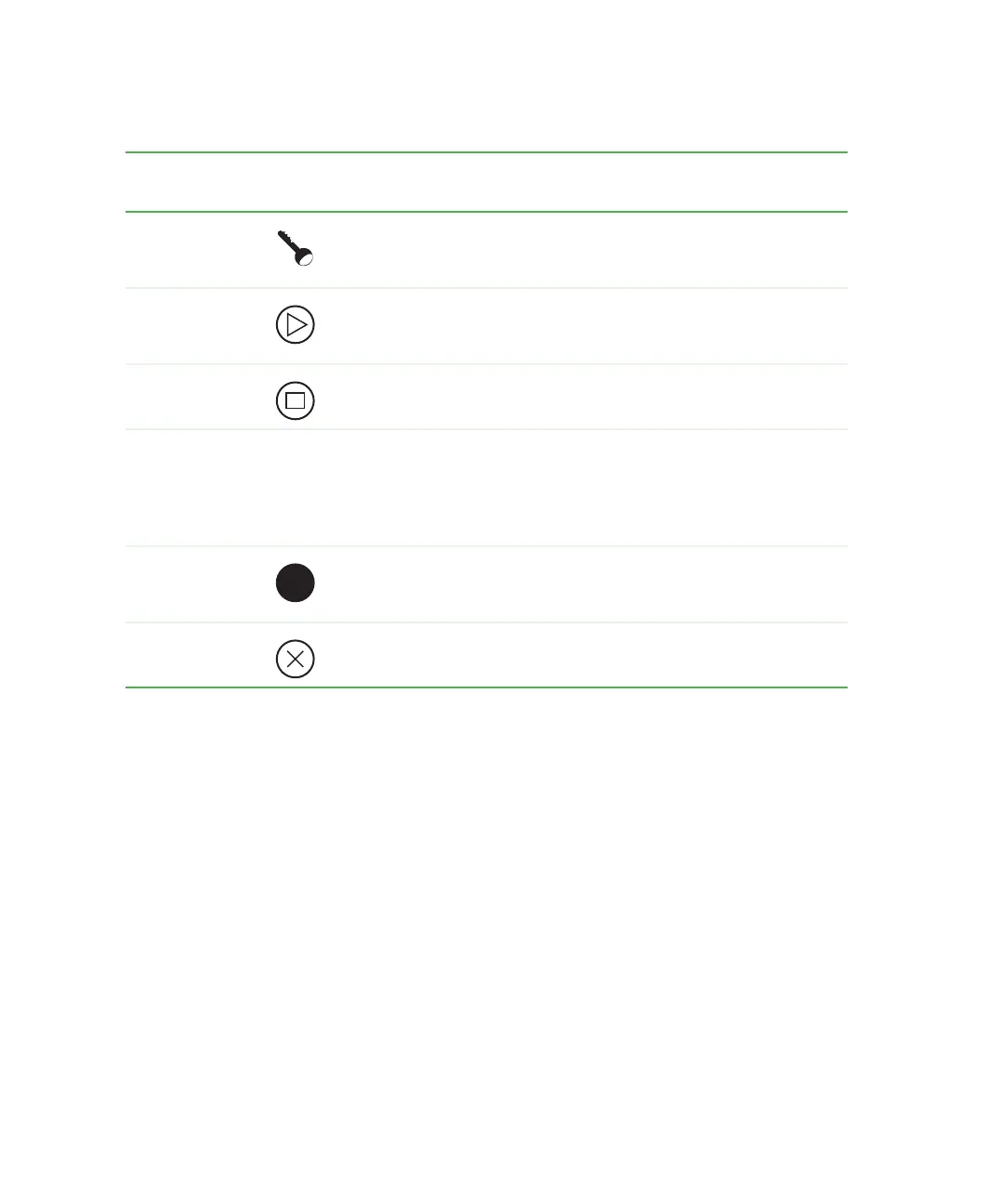
Item Icon Primary function Secondary function
(Fn button+button)
Security Opens the Windows Task Manager.
Also used for domain authentication
or logon screen.
None
Hot key 2 Rotates display orientation. Also
opens the BIOS utility if pressed
during startup.
Opens Tablet Input Panel.
Can also be reprogrammed.
Hot key 1 Opens Motion Dashboard. Opens Windows Journal.
Can also be reprogrammed.
Cursor pad
■
The edges serve the same
function as the arrow keys on a
keyboard.
■
The center of the cursor pad is the
ENTER key.
Left arrow:
SHIFT+TAB
Right arrow: TAB
Up arrow: PAGE UP
Down arrow: PAGE DOWN
Fn Press the Fn (Function) button with
another button to activate the
button’s secondary function.
None
Esc Equivalent to a keyboard’s
ESC key. ALT+TAB.



 To Next Page