228
Chapter 16: Using the Tablet PC FlexDock
www.gateway.com
Front
Indicator Icon Description
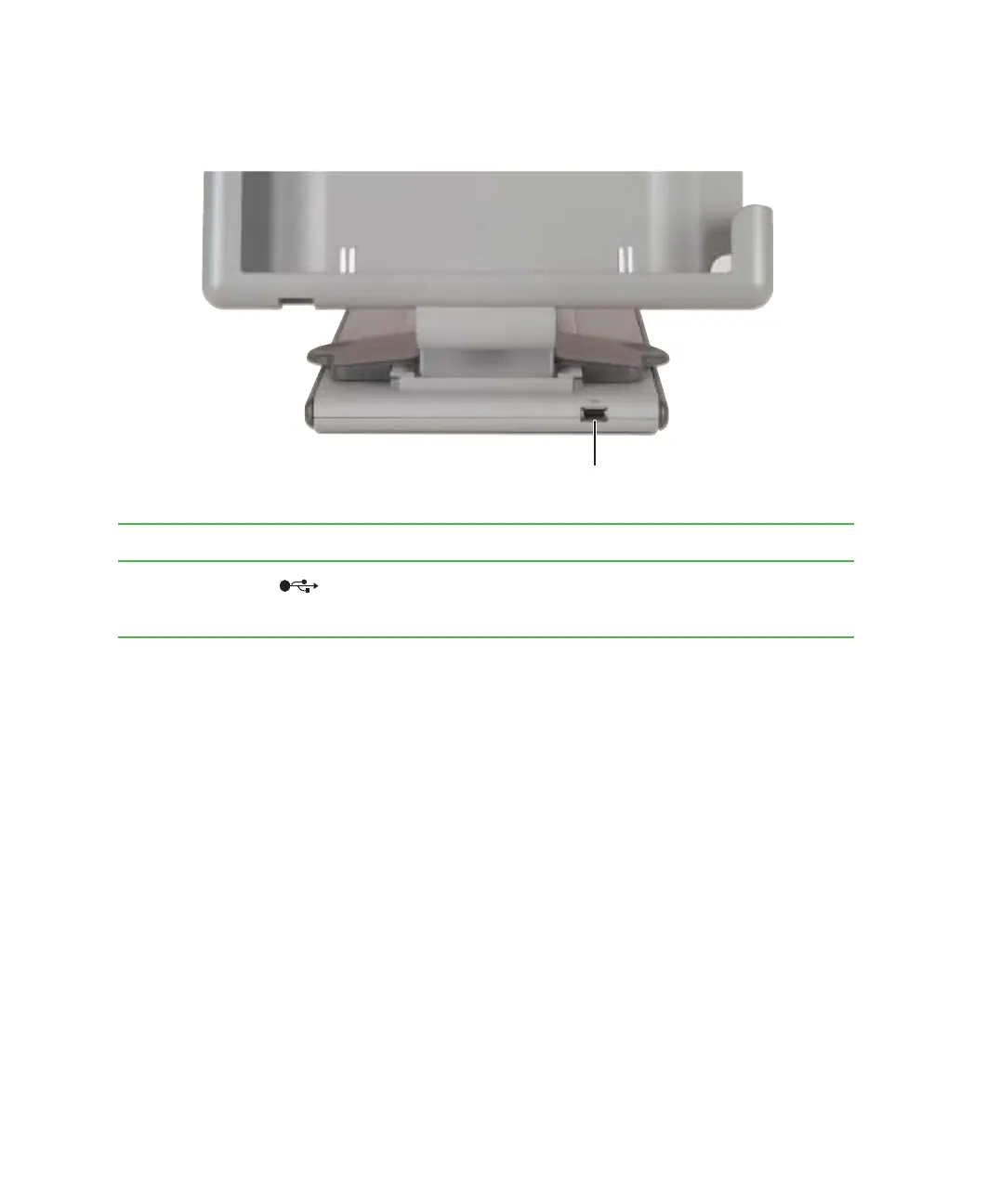
USB port Plug USB (Universal Serial Bus) devices (such as a diskette drive,
USB Iomega™ Zip™ drive, printer, scanner, camera, keyboard, or
mouse) into this port.
USB port



 To Next Page