
 Need help?
Do you have a question about the GB Instruments Wire-Tracker GET-4110K, LAN-Tracker GET-4220K and is the answer not in the manual?
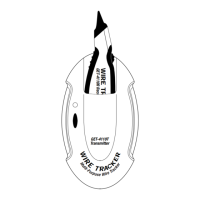
The transmitter contains five (5) adapters for connection to common wiring applications.
The receiver is activated by pressing and holding the On/Off button and uses a sensitivity wheel to adjust the sensing range.
Disconnect the house line from the main telephone company service and use the RJ-11 plug for a standard telephone jack.
Disconnect the cable in the house from the cable company wiring and connect the co-axial plug to any co-axial jack.
For GET-4110K only. Do not use on ignition system. Disconnect vehicle components sensitive to voltage.
For GET-4220K only. Remove network connections. Use the RJ-45 plug for insertion into a standard data/LAN jack.
Ensure all wiring is disconnected from power. Connect alligator clips to wires or ground to boost signal.
 General
| Brand | GB Instruments |
|---|---|
| Model | Wire-Tracker GET-4110K, LAN-Tracker GET-4220K |
| Category | GPS |
| Language | English |

 To Next Page