7
3. BEFORE THE UPGRADE
3.1 Backup
Create a snapshot of the OS partition with Rescue mode before you try to apply the upgrade.
Note that the Rescue mode function is only available for SATA OS hard disk. If you are
unfamiliar with this procedure, please refer to the document GDC_system_backup_and_recovery.
3.2 Swapping IMB
1. Power off the server and projector.
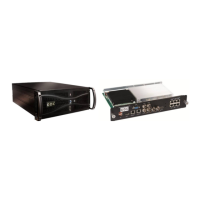
2. Remove the original Media Block from projector (SX-2000).
3. Remove the Enigma board from Projector (Barco S2 projectors).
4. Install the New IMB into Projector.
5. Power on the projector and server.
3.3 Connections
1. Make sure the IMB is powered up inside the projector correctly.
2. SX-2000A/T eth0 IP must NOT be 192.168.1.X (recommend it to be 192.168.0.X).
3. SX-2000A/T eth0 is connected to projector Ethernet (either directly or via switch).
4. SX-2000A/T eth2 IP must NOT be 192.168.1.X. eth2 is available after installing the additional
gigabit network card.
5. SX-2000A/T eth1 is directly connected to IMB Ethernet 2.
IMPORTANT NOTE: Projector should not use 192.168.2.X IP as this IP range is reserved for
IMB internal use. If projector IP is set to 192.168.2.X, the server will not be able to connect to
the security manager (SM) after upgrade.
3.4 Notes
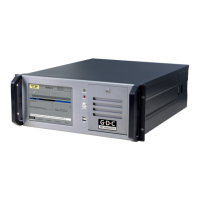
1. SX-2000(A/T)R server serial number and HFR IMB serial number should be the same, please
request this from your service provider.
2. Perform the marriage of the HFR IMB with the projector on the projector’s interface or in the
server’s SMS.
3. After replacement of the HFR IMB, the below screen (Figure 1) will be shown after rebooting.
This is normal.



 To Next Page