TRY USINg Tim CONTROLS
The list below describes the many different ways your new TV can be
used. Have fun testing out the set. If you need help, more detailed
information can be found in other sections of this manual.
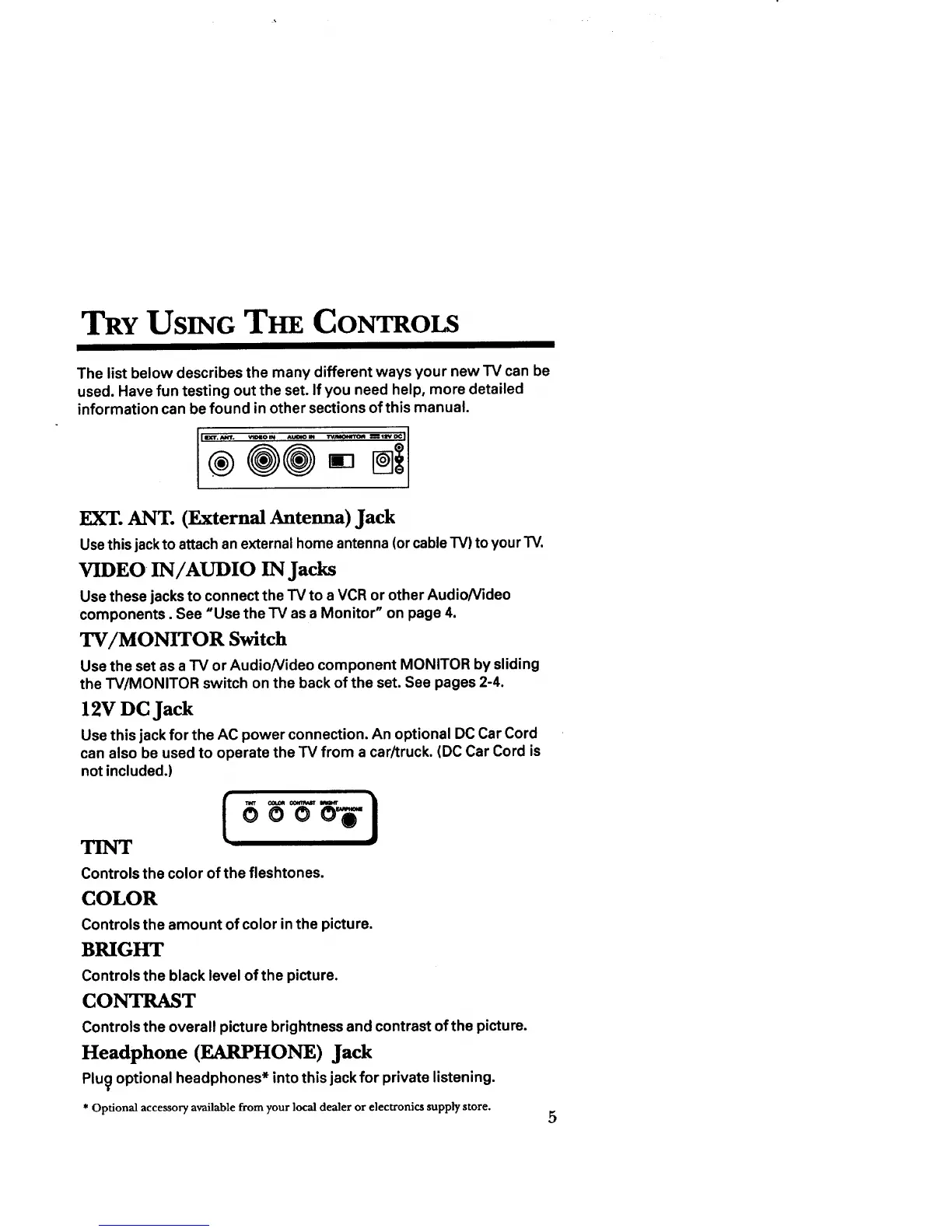
EXT. ANT. (External Antenna) Jack
Use this jackto attach an external home antenna (or cable TV) toyour TV.
VIDEO IN/AUDIO IN Jacks
Use these jacks to connect the "IV to a VCR or other AudioNideo
components. See "Use the TV as a Monitor" on page 4.
TV/MONITOR Switch
Use the set as a TV or AudioNideo component MONITOR by sliding
the TV/MONITOR switch on the back of the set. See pages 2-4.
12V DC Jack
Use this jack for the AC power connection. An optional DC Car Cord
can also be used to operate the TV from a car/truck. (DC Car Cord is
not included.)
Controls the color of the fleshtones.
COLOR
Controls the amount of color in the picture.
BRIGHT
Controls the black level of the picture.
CONTRAST
Controls the overall picture brightness and contrast of the picture.
Headphone (EARPHONE) Jack
Plu_ optional headphones* into this jack for private listening.
* Optional accessory available from your local dealer or electronics supplystore.
5



 To Next Page