Home Antenna or Cable-TV Systems
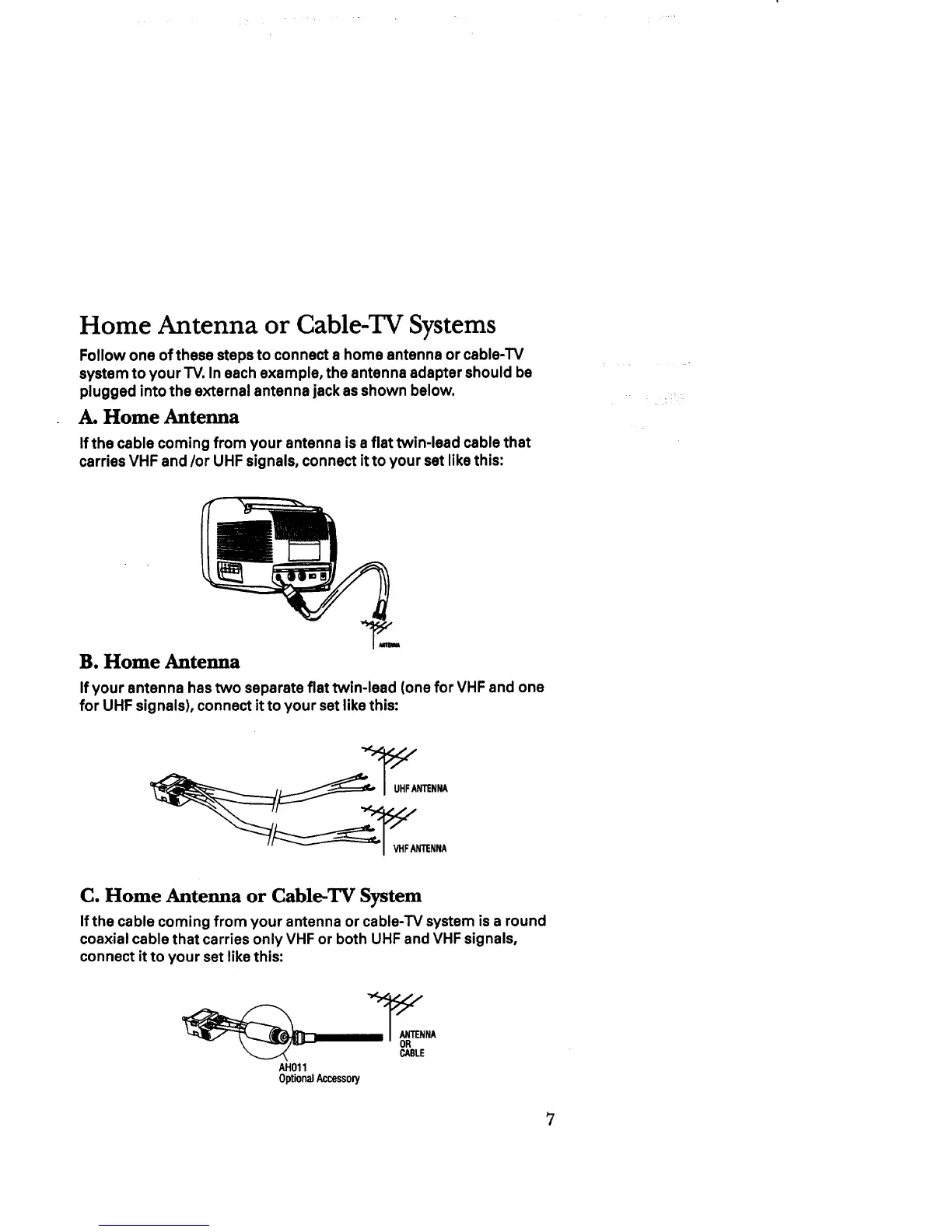
Follow one of these steps to connect a home antenna or cable-TV
system to your TV. In each example, the antenna adapter should be
plugged into the external antenna jack as shown below.
A. Home Antenna
If the cable coming from your antenna is a flat twin-lead cable that
carries VHF and/or UHF signals, connect it to your set like this:
B. Home Antenna
If your antenna has two separate flat twin-lead (one for VHF and one
for UHF signals), connect it to your set like this:
_UHF ANTENNA
VHFANTENNA
C. Home Antenna or Cable-TV System
If the cable coming from your antenna or cable-TV system is a round
coaxial cable that carries only VHF or both UHF and VHF signals,
connect it to your set like this:
CABLE
AH011
OptionalAccessory



 To Next Page