TUNING Buttons
Press the right or left button to select the channel after positioning
the band selector to UHF or VHF. The W/MONITOR switch must be
set to TV to select UHF or VHF television channels.
Band Selector (V-L V-H UHF)
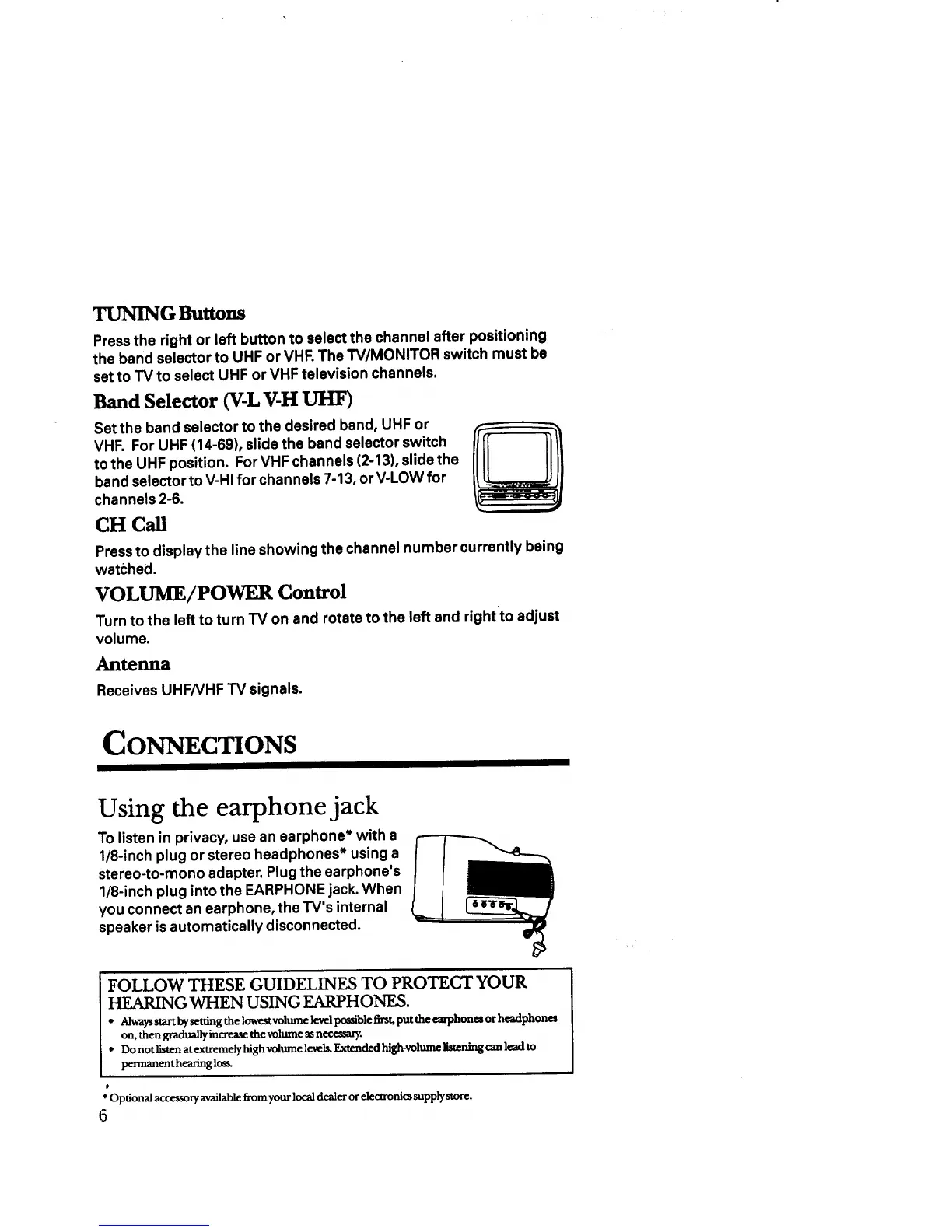
Set the band selector to the desired band, UHF or
VHF. For UHF (14-69), slide the band selector switch
to the UHF position. For VHF channels (2-13), slide the
band selector to V-HI for channels 7-13, or V-LOW for
channels 2-6.
CH Call
Press to display the line showing the channel number currently being
watched,
VOLUME/POWER Control
Turn to the left to turn TV on and rotate to the left and right to adjust
volume.
Ante_a
Receives UHFNHF TV signals.
CONNECTIONS
Using the earphone jack
To listen in privacy, use an earphone* with a
1/8-inch plug or stereo headphones* using a
stereo-to-mono adapter. Plug the earphone's
1/8-inch plug into the EARPHONE jack. When
you connect an earphone, the TV's internal
speaker is automatically disconnected.
FOLLOW THESE GUIDELINES TO PROTECT YOUR
HF_ARJNG WHEN USING EARPHONES.
• Alwaysstart bysettmgthe]owe*tvolumelevelpossiblefirst,put the earphone, orheadphone,
on, then gradually increase the volume as necessary.
• Do not listen atextremely high volume ]e_ds. Extended high-volume lbtening can lead to
permanent hearing lo_s.
t
*Optional accessoryavailablefromyourlocal dealer or electronics supplystore.
6



 To Next Page