7
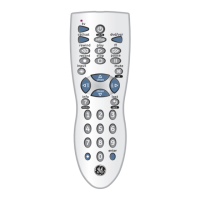
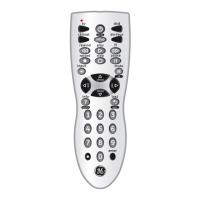
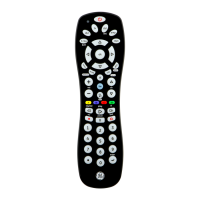
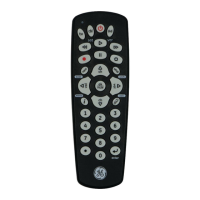
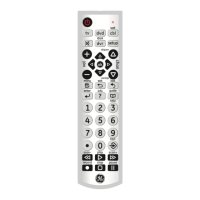
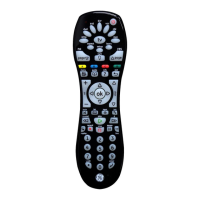
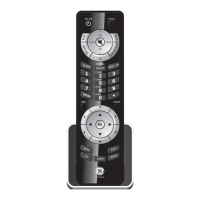
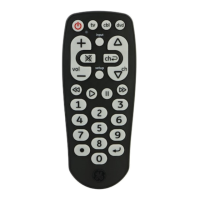
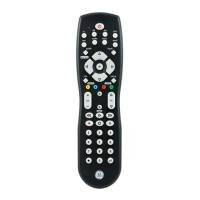
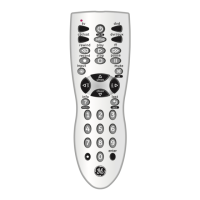
GUIDE/PROG button displays on-screen Satellite Channel Guide.
CHANNEL+ and CHANNEL- buttons perform the “Page+” and
“Page-” function for on-screen Guide Menus used by some Satellite
systems.
INFO/DISPLAY button brings up Satellite Display screen for current
Channel and system information.
MENU brings up the Satellite Menu screen - use with the UP,
DOWN, LEFT & RIGHT navigation buttons.
OK button is used for on-screen Menu selection.
EXIT button is used to Exit or Clear on-screen Menu displays.
INPUT/SETUP button performs the Satellite TV/SAT function.
SAT Functions



 To Next Page