9
Using SHIFT for Menu and Navigation
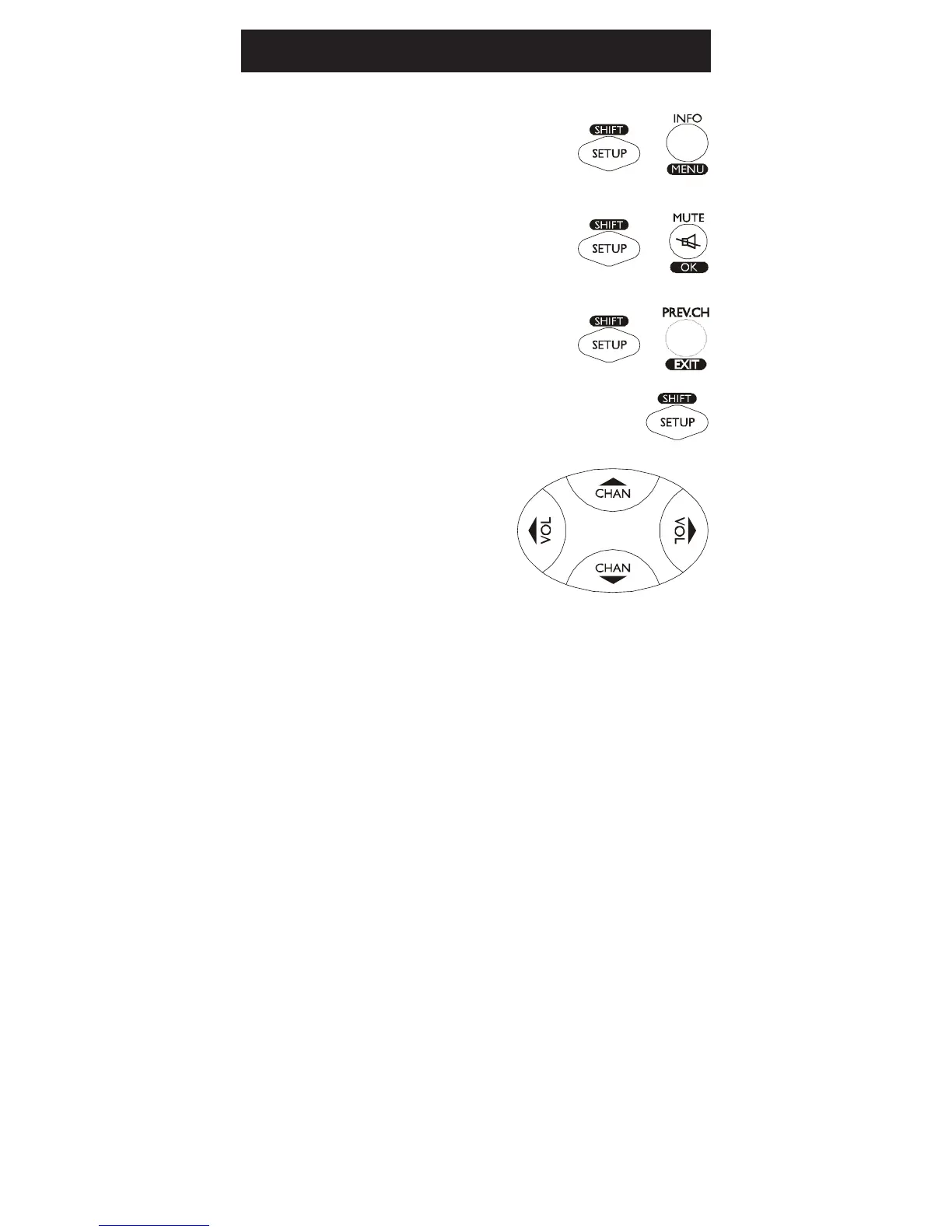
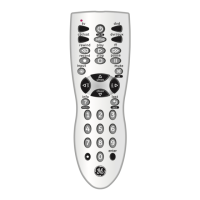
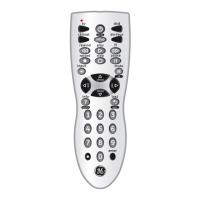
The SHIFT button allows access to more than
one function for certain buttons.
Use the SHIFT/SETUP button prior to
accessing the MENU, OK, EXIT and Navigation
functions, for example:
For MENU, press and release
SHIFT/SETUP then MENU/INFO.
For OK, press and release
SHIFT/SETUP then OK/MUTE.
For EXIT, press and release
SHIFT/SETUP then PREV.CH/EXIT.
For Up, Down, Left or Right
Navigation, press and release SHIFT/
SETUP followed by the respective
Channel or Volume button.
Using Your Remote, cont.


 To Next Page