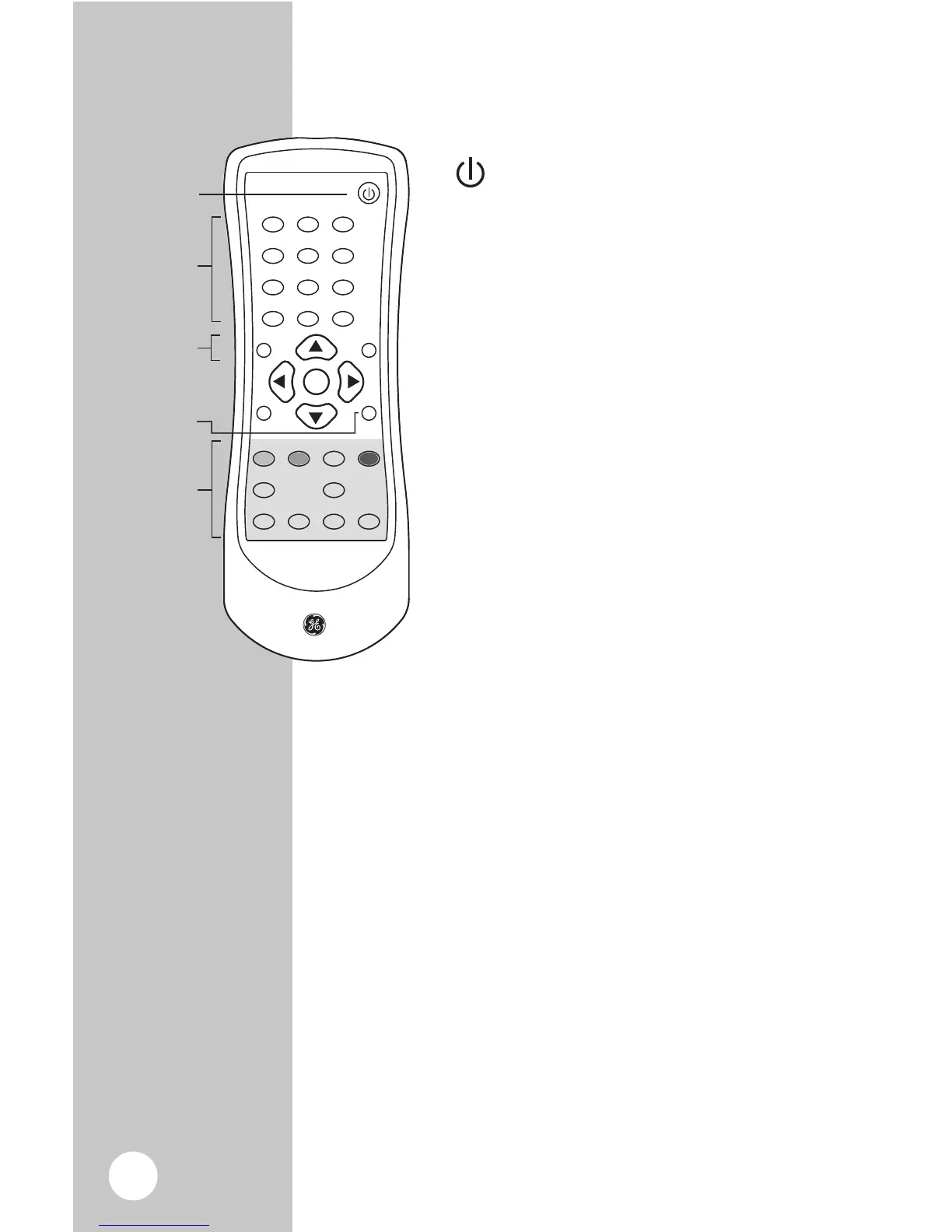
- Turns the Smart Digital Converter
Box ON or OFF.
OK - Executes the selected option in
menu or enters the value in any input
mode or it displays the channel list while
watching a program.
VOL+/VOL - Increases or decreases the
volume out of the Digital Converter Box.
CH-/CH+ - Goes up or down through
the channel numbers.
Menu Setup
RECALL - Return to previous channel
SIGNAL - Check signal reception
strength of the channel you are
watching. Use to optimize placement of
the antenna.
ZOOM - Choose between three screens
settings letter box, full and center.
MUTE - Turns sound off.
AUDIO - Function not available on these models.
INFO - Program information of the selected channel.
EXIT - Returns to the previous Menu within the
larger menus.
MENU - Displays the main Menu on screen.
SUBTITLE - Displays closed caption text.
EPG - Use to display the Simple Guide.



 To Next Page