Menu : Channel : Auto
1. Use this feature to scan for all available channels.
This feature is used during the setup process and
typically does not need to be repeated.
Menu : Channel : Manual
2. Use this feature to scan for a specific channel.
Digital channels maybe broadcasted at a different
frequency then the old analog channel. This means,
for example, channel 5 maybe broadcasted where
channel 32 used to be. The automatic scan feature
is recommended for most users.
Menu Options
Channel
Menu Options
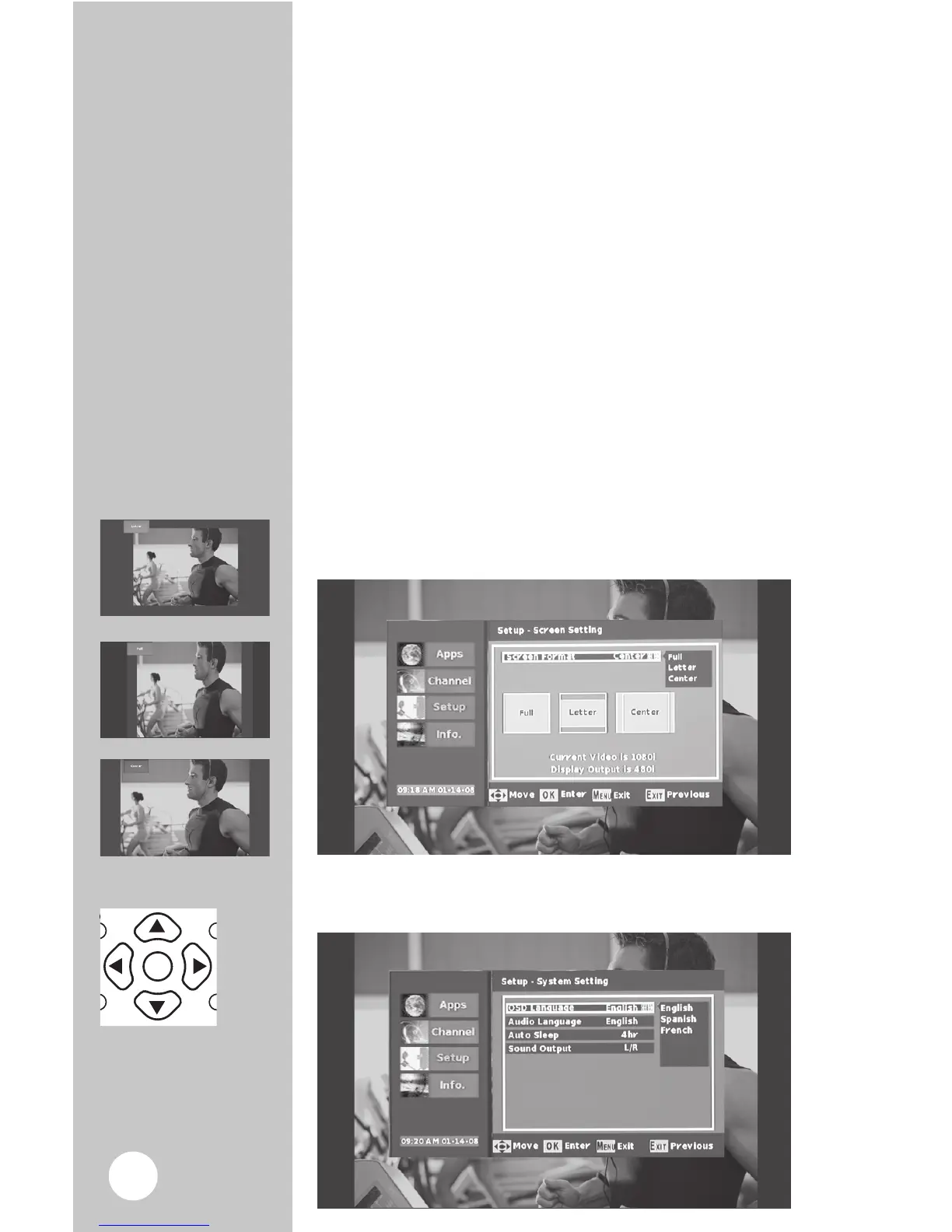
Menu : Setup : Screen Setting : Screen Format
1. Choose the format you prefer for your TV. There
are three sizes, Letter box, Full, or Center.
Note: Use “EXIT” on your remote to return to
previous menu screen.
3 Screen Formats



 To Next Page