12
Setting up
the Converter
Box on Screen
Setup
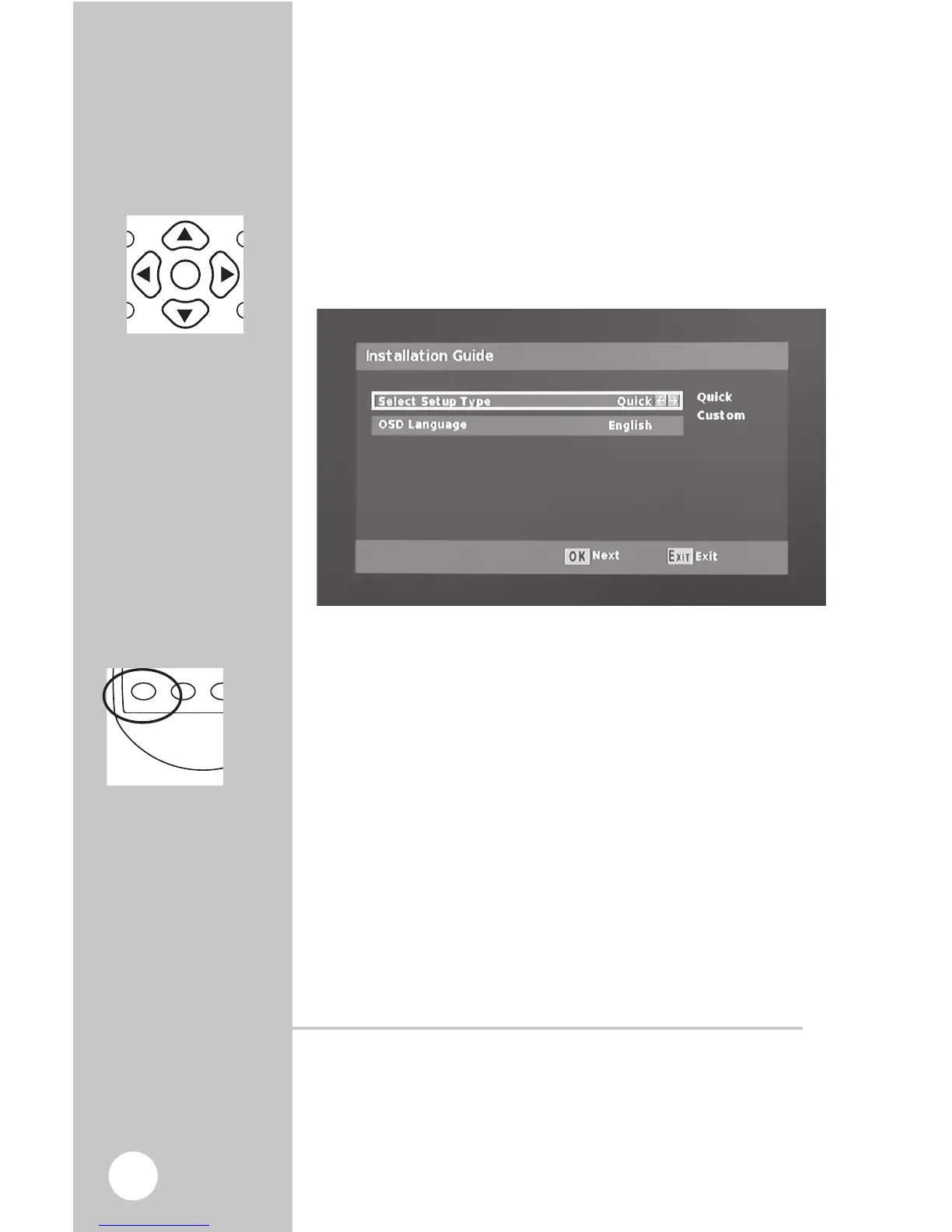
When first plugged-in the menu guide will
show up on the screen. First, you will need to
choose a “Quick” or “Custom” install. “Quick” is
recommended for most users .
1. Choose either “Quick” or “Custom” Install.
2. If you choose the Quick install hit the OK button.
Now that you are in the Scan screen
1. The initial scanning will take about three to four
minutes. While the Converter Box is scanning, it is
programming your new HD channels. When the
scanning is complete, press “EXIT” to start viewing
your TV.
Digital Converter Box will shut off automatically
For energy savings the Digital Converter Box is shipped
with sleep mode enabled at four hours as required by the
governing agency. To adjust the setting or turn sleep mode
off go to pg 14.



 To Next Page