OK
1
2
9
8
7
65
4
3
0
-
100
ON/OFF
VOL+
CH+
VOL-
RECALL SIGNAL ZOOM MUTE
AUDIO INFO
EXIT MENU SUBTITLE EPG
CH-
Remote
PWR
ON
CH- CH+
Smart Digital Converter Box - 22729 or
Digital Converter Box - 22730
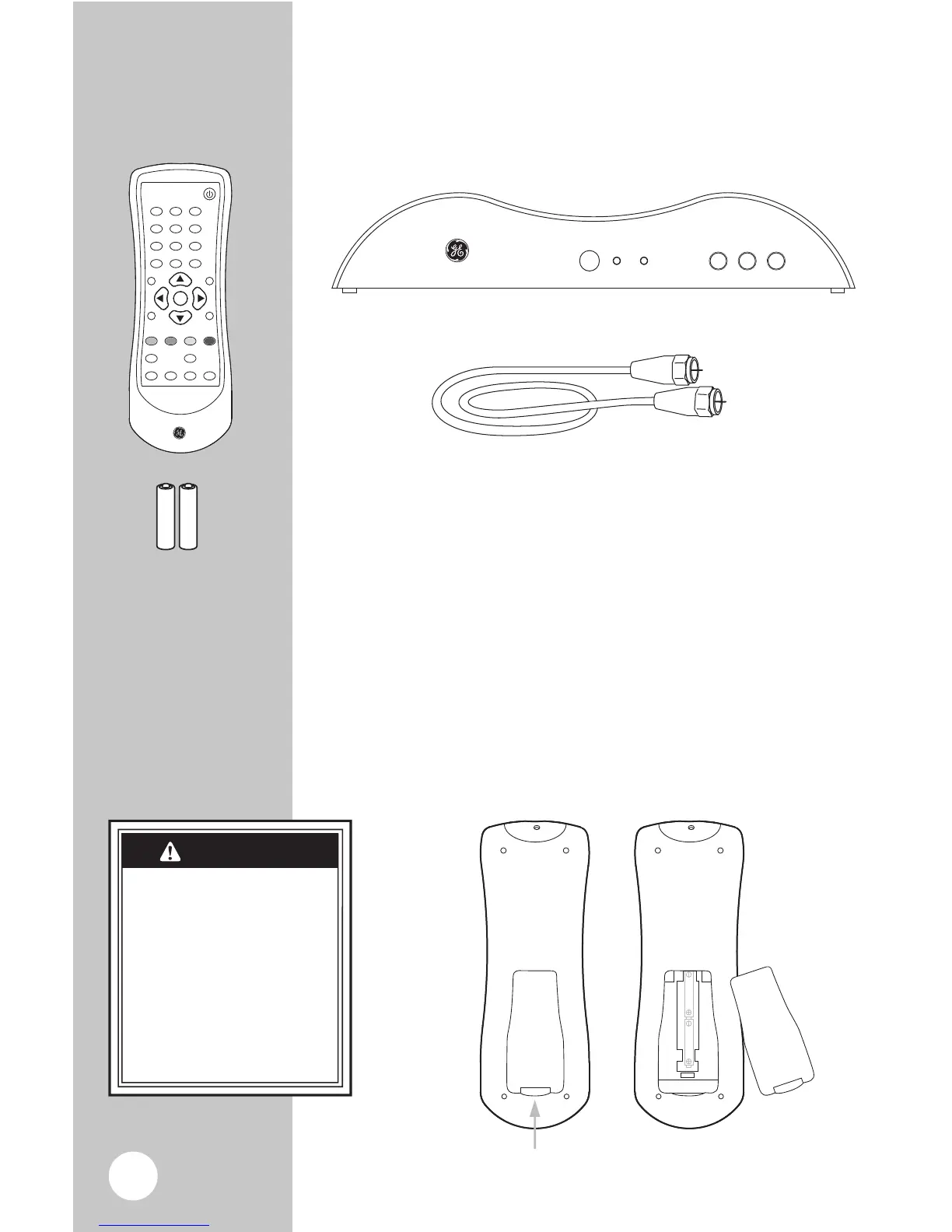
Installing the Remote batteries
1. On the back of the remote, push up on the tab
and lift the cover off.
2. Match the batteries to the + and -
marks inside
the battery case, then insert 2 “AAA”
Alkaline batteries.
3. Press the battery cover back
into place.
You can use a composite audio/video cable instead of the RF cable if
your TV is compatible. (Not Included)
Batteries may leak harmful
liquids or ignitable materials
or explode causing injury
and product damage.
• Do not mix old and new
or other battery types.
• Replace all batteries at
the same time.
• Replace fully discharged
batteries immediately.
CAUTION
Below are all the items that are included with
your Digital Converter Box



 To Next Page