13
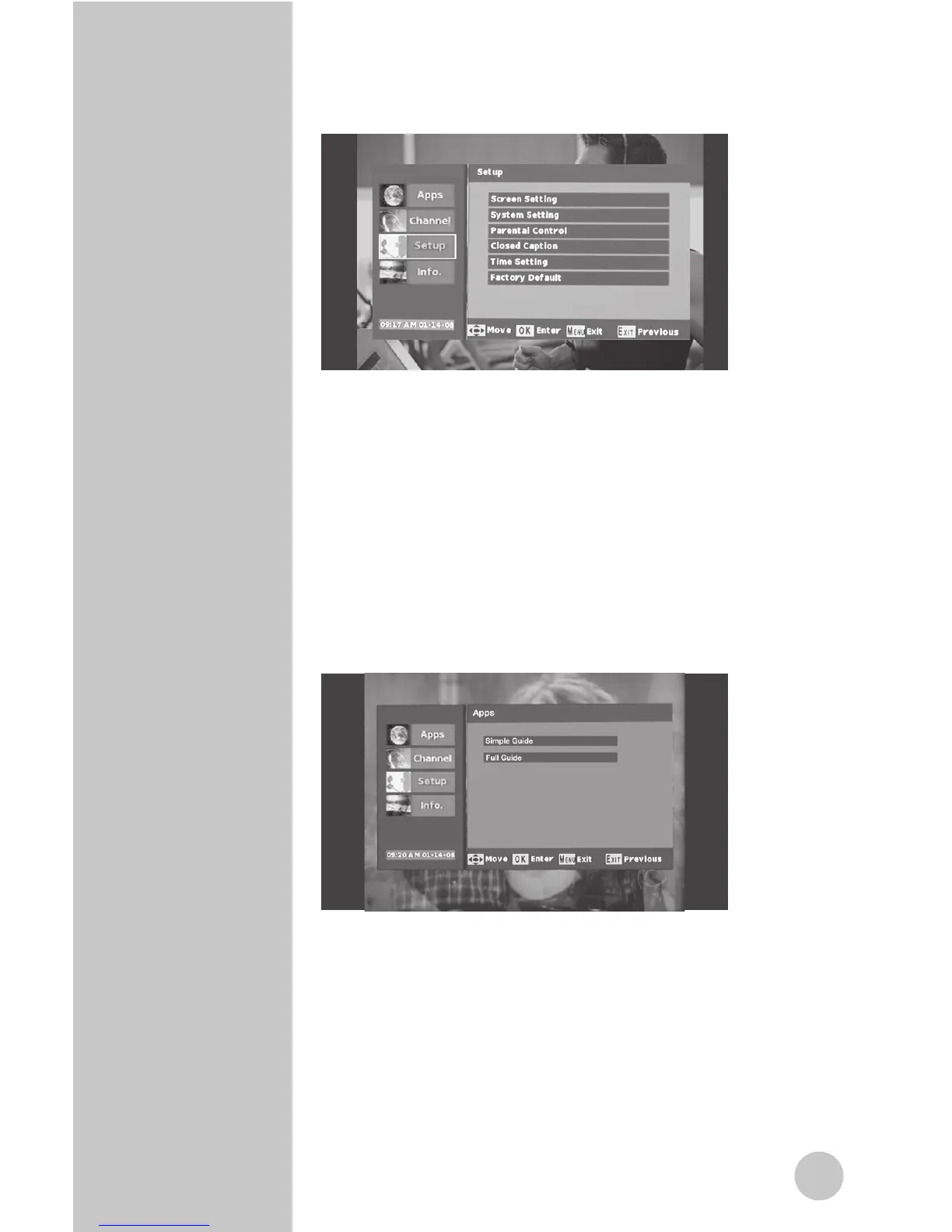
1. Press the “MENU” button on the remote. The screen
below will appear.
2. Use the “Up/Down” arrow buttons to select either
Channel, Setup, or Info. Press “OK” on the remote.
3.
Use the “Up/Down” arrow buttons to navigate to
the desired option. Press “OK” on the remote.
4.
Once the desired setting has been selected using
the arrow button, press the “EXIT” key to return to
the settings menu or press menu key to return to
normal operation. Settings will automatically be
stored in memory.
Menu Options
Menu : Apps : Simple Guide
1. This feature displays programming information for
current channel.
Menu : Apps : Full Guide
2. This feature displays programming information
for current and different channels. When
broadcasted, up to 8 days of programming
information may be viewed.
Navigating
the Menus



 To Next Page