12
Sleep Timer
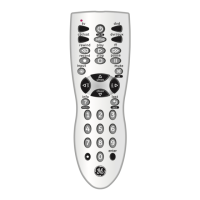
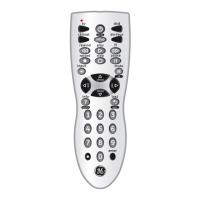
The SLEEP button enables the remote to turn off your
TV after a period of 1 to 99 minutes as shown below.
The remote must be in TV mode to set a Sleep Timer.
This feature works even if your TV does not have a
sleep feature.
1. Press and release the TV device button.
2. Press and hold the SLEEP button until the red indi-
cator remains lit (about 2-3 seconds).
3. Release the SLEEP button.
4. Press and release the numeric buttons (01-99) for
the time required. The red indicator will blink off to
indicate button press acceptance.
5. TV Sleep Timer is set.
6. Leave the Remote pointing towards the TV with
an unobstructed path.
To cancel the Sleep Timer, press and hold the SLEEP
button until the red indicator blinks, or press and
release the ON-OFF button in TV mode.
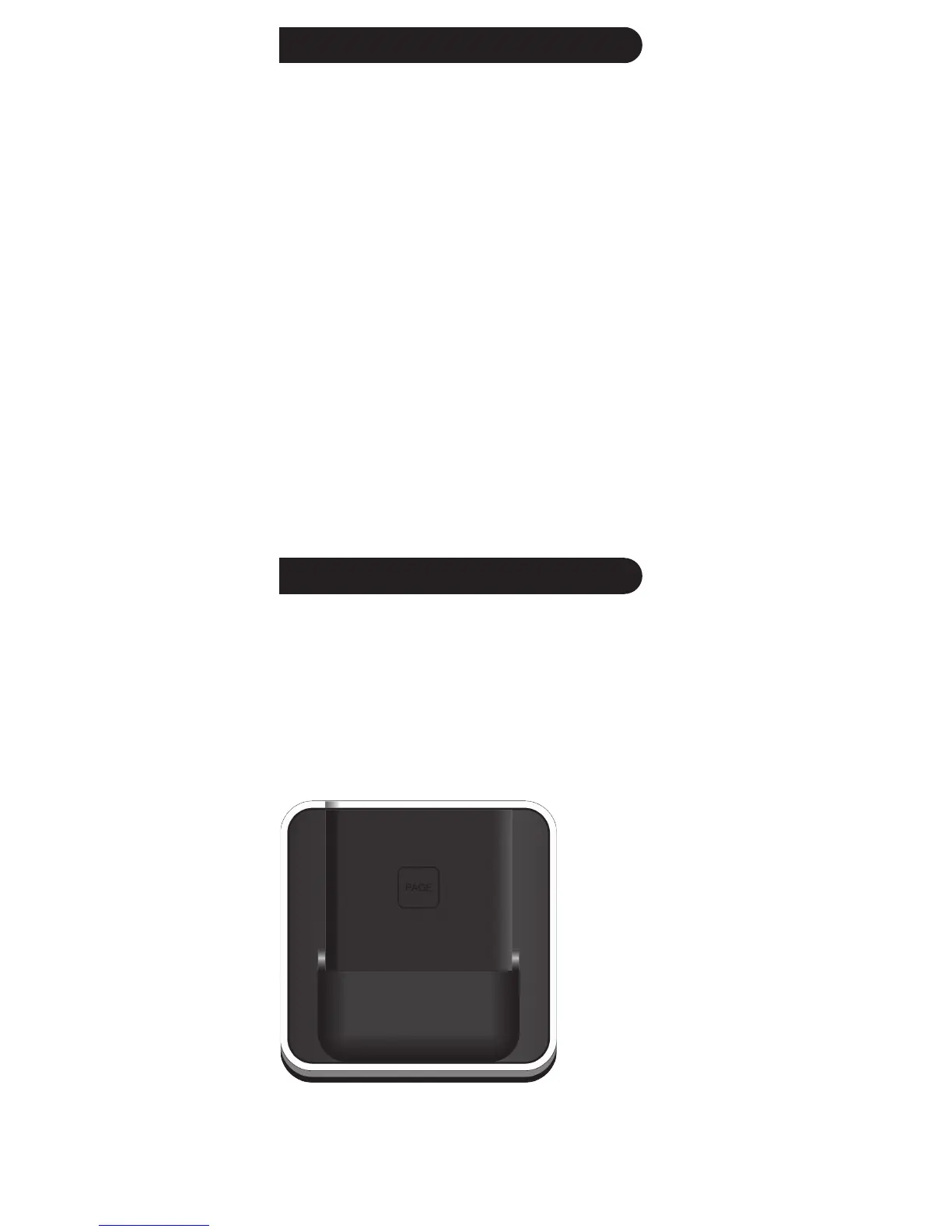
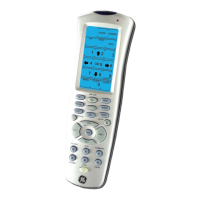
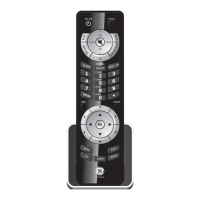
The 24110 comes with a convenient base/stand that
you can place the remote in when you’re not using it.
The base/stand also has a Find/Page feature, which
lets you quickly find the remote from up to 20 feet
from the base, if you’ve misplaced it. You simply press
the Page key on the base and the remote sounds with
a tone, making it easy to locate.
Find/Page Feature


 To Next Page