3
Introduction
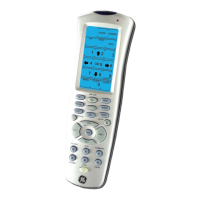
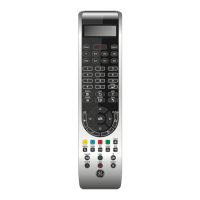
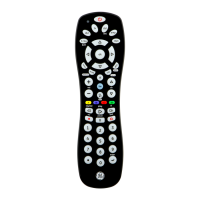
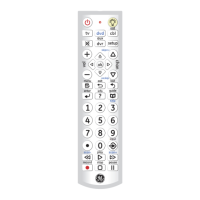
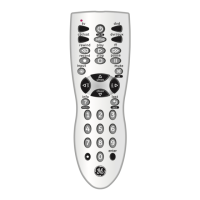
Congratulations on your purchase of this
24110 Universal Remote Control. It is one
of the most unique looking, and easy to use
remote controls available today. With the
24110 juggling multiple remote controls is
a thing of the past! Your 24110 Universal
Remote controls up to 5 devices, including
the most popular brands of TV, VCR, DVD,
SAT, CBL, and audio equipment.
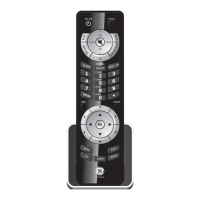
The 24110 comes with a convenient base/
stand that you can place the remote in when
you’re not using it. The base/stand also has
a Find/Page feature, which lets you quickly
find the remote if you’ve misplaced it. You
simply press the Page key on the base and
the remote sounds with a tone, making it
easy to locate.
Other unique features for this remote are
described in the remainder of this manual.
Note: Some functions from your original
remote may not be controlled by the
24110 remote. Use the original remote,
if available, to control such functions.
Sometimes buttons other than described
in these instructions may actually perform
the function. For example, the CH and
VOL buttons might be used to navigate
through menu choices. We recommend you
experiment with the remote to identify if
such situations pertain to your equipment.
The 24110 Universal Remote is easy to
use, easy to program, and it gives you total
control—at the touch of your fingertips!


 To Next Page