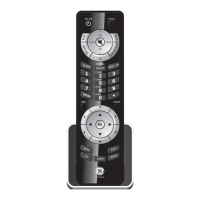
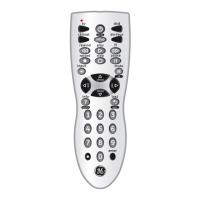
10
Favorite Function
Allows user to program up to 10 of their favorite
channels for quick access.
Setup Favorite Function
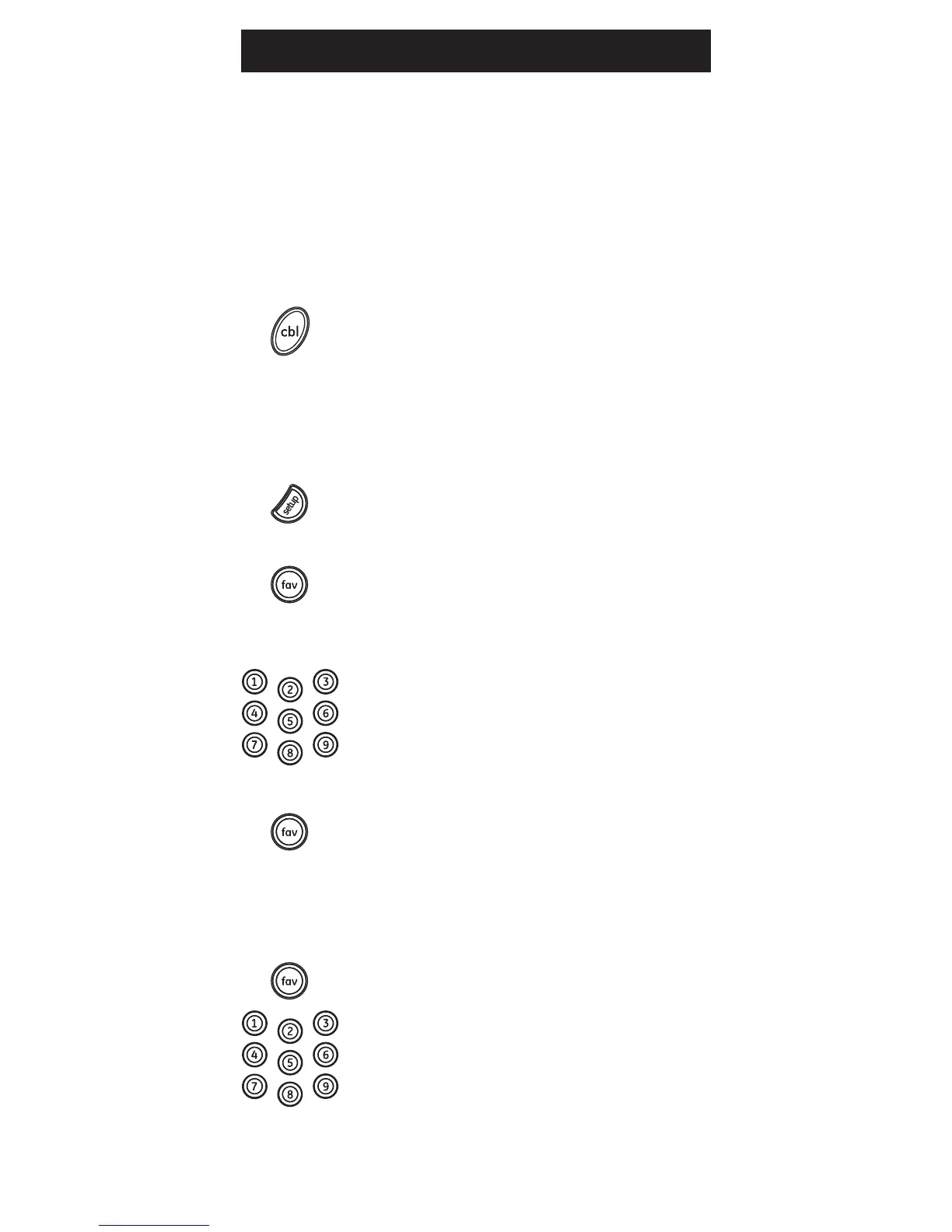
1. Press and release the device button
(TV, DVR,CBL, B-RAY, AMP, AUX). The
indicator light will blink once. Special
Note:Usermustselectthedevice
type that controls the channels; for
exampleifauserhasaCableBox
for controlling channels, then this
device button must be selected to
properly change the channels on
thecablebox.
2. Press and hold the SETUP button for 2
seconds or until the red indicator light
turns on, then release the SETUP button.
3. Press and release the FAV button.
The red indicator will blink once
and remain on.
4. Press and release the numerical button
(0 – 9) that you will use for storing your
favorite channel. The red indicator will
blink once and remain on.
5. Enter the channel number you wish
toprogram,forexamplechannel4,
21, 4-1, 52-2.
6. Press and release the FAV button, the
red indicator will turn off. Your
favorite channel is now saved.
7. Process can be repeated for up to 10 of
your favorite channels.
Using Favorite Function
1. Press and release the FAV button. The
red indicator light will turn on.
2. Press and release the programmed
button (0-9). The red indicator will
blink twice and the remote will
send the code for your
pre-programmed channel.
Programming Your Remote


 To Next Page