13
Using Your Remote
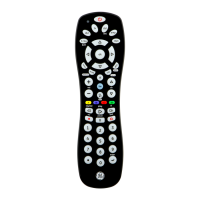
Using SHIFT for Menu and Navigation
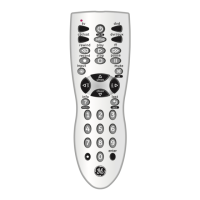
The SHIFT button allows access to more than one
functionforcertainbuttons.Note:theredindicator
light will blink in shift mode.
Use the SHIFT/SETUP button prior to accessing the
DVR LIST, MENU, EXIT forexample:
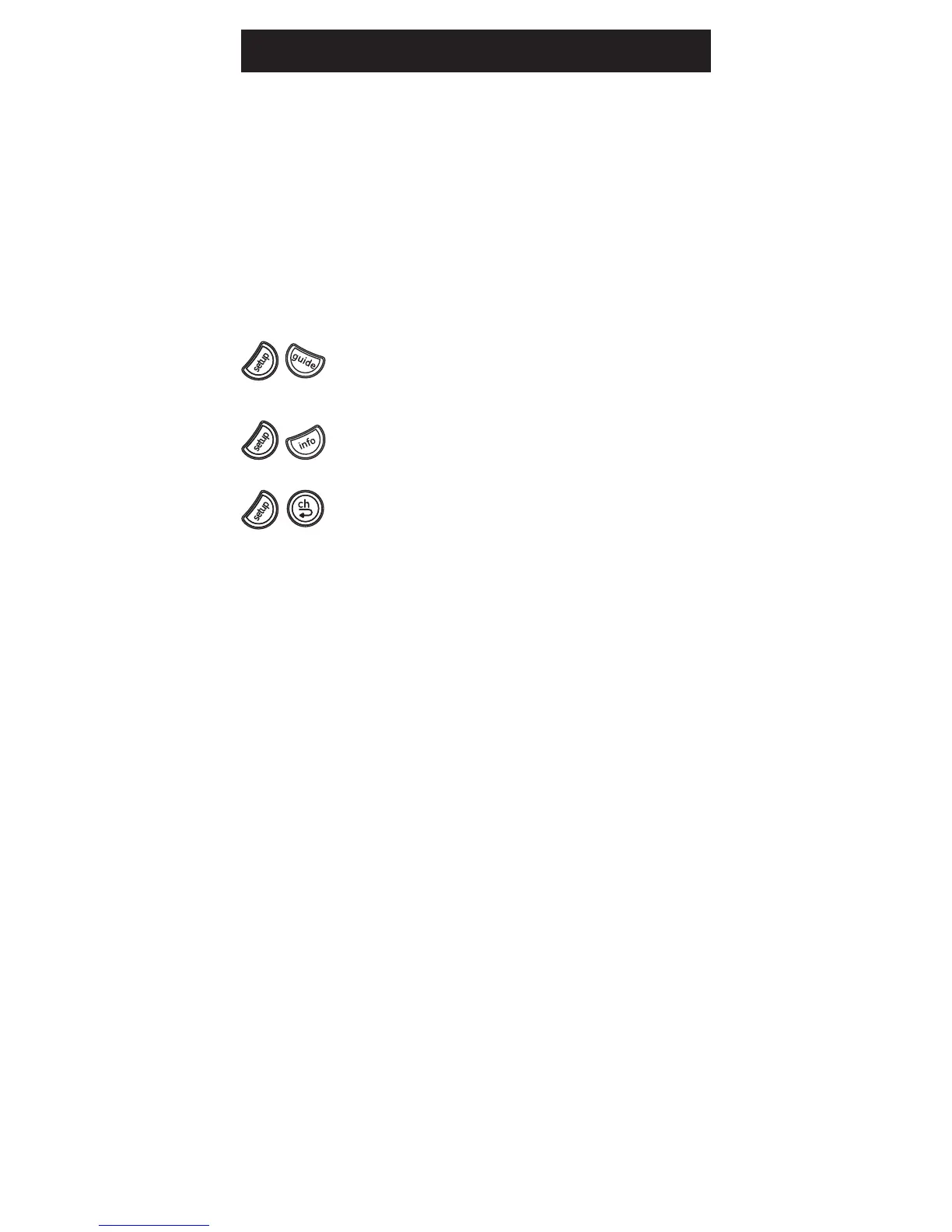
For DVR List press and release SHIFT/
SETUP then DVR LIST/GUIDE.
For Menu, press and release SHIFT/SETUP
then INFO/MENU.
ForExit,pressandreleaseSHIFT/SETUP
then LAST/EXIT.
SPECIAL NOTE: Remote will stay in shift mode until
the SHIFT button is pressed again, or until 10 seconds
of inactivity.


 To Next Page