18 1918 19
Press the Left/Close-up button to enter the close-up shooting
interface, press the Left/Right button to switch between two
close-up shooting modes:
• Macro : On
Select this to focus on subjects 5cm from the lens.
• Macro : O
Select this option to disable Macro.
Macro Mode
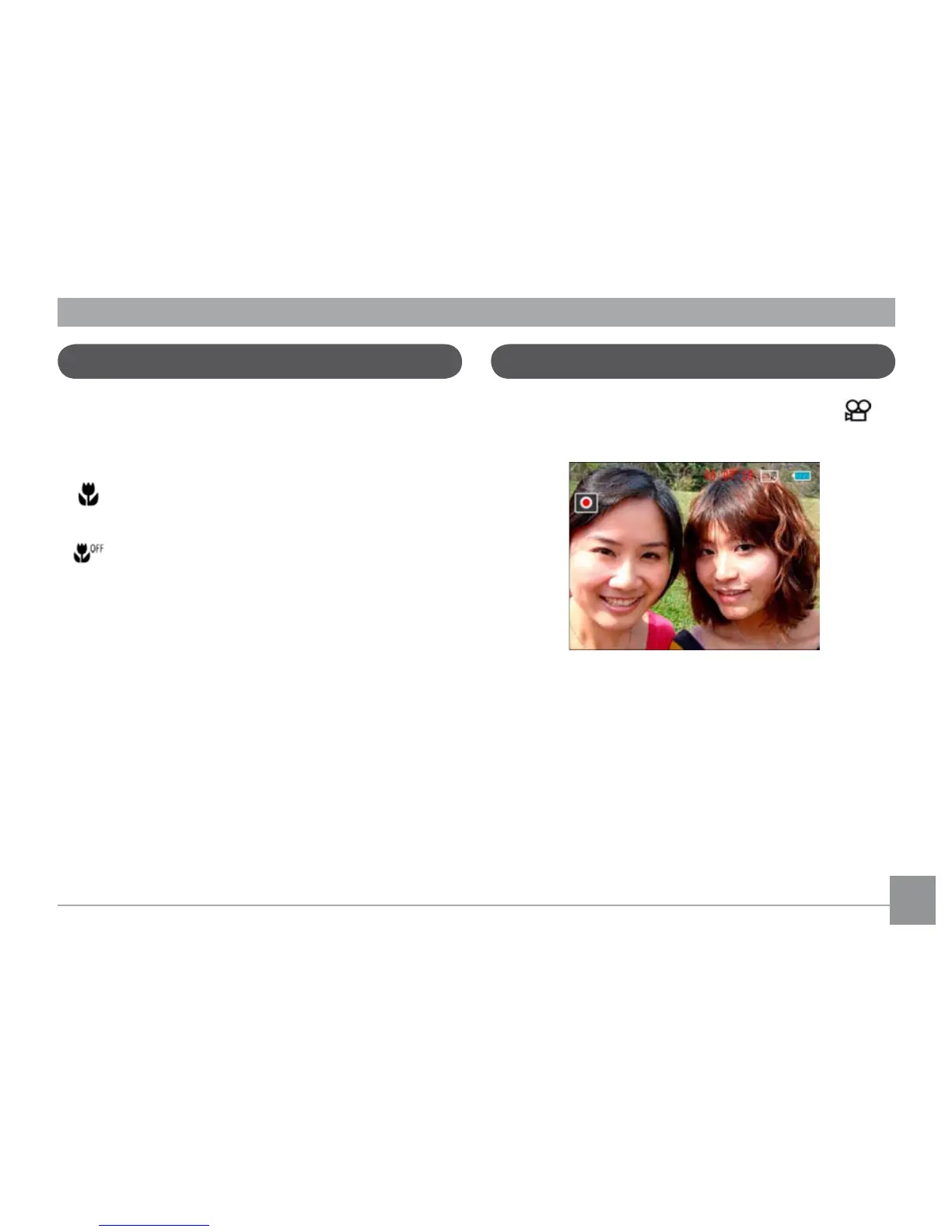
Using quick recording
In Shooting mode, press the Recording shortcut button to
enter the recording mode directly and make recordings.
After nishing a recording, press the Recording shortcut
button or Shutter button again, you can store the video and
return to the shooting screen.



 To Next Page