38 3938 39
Editing video
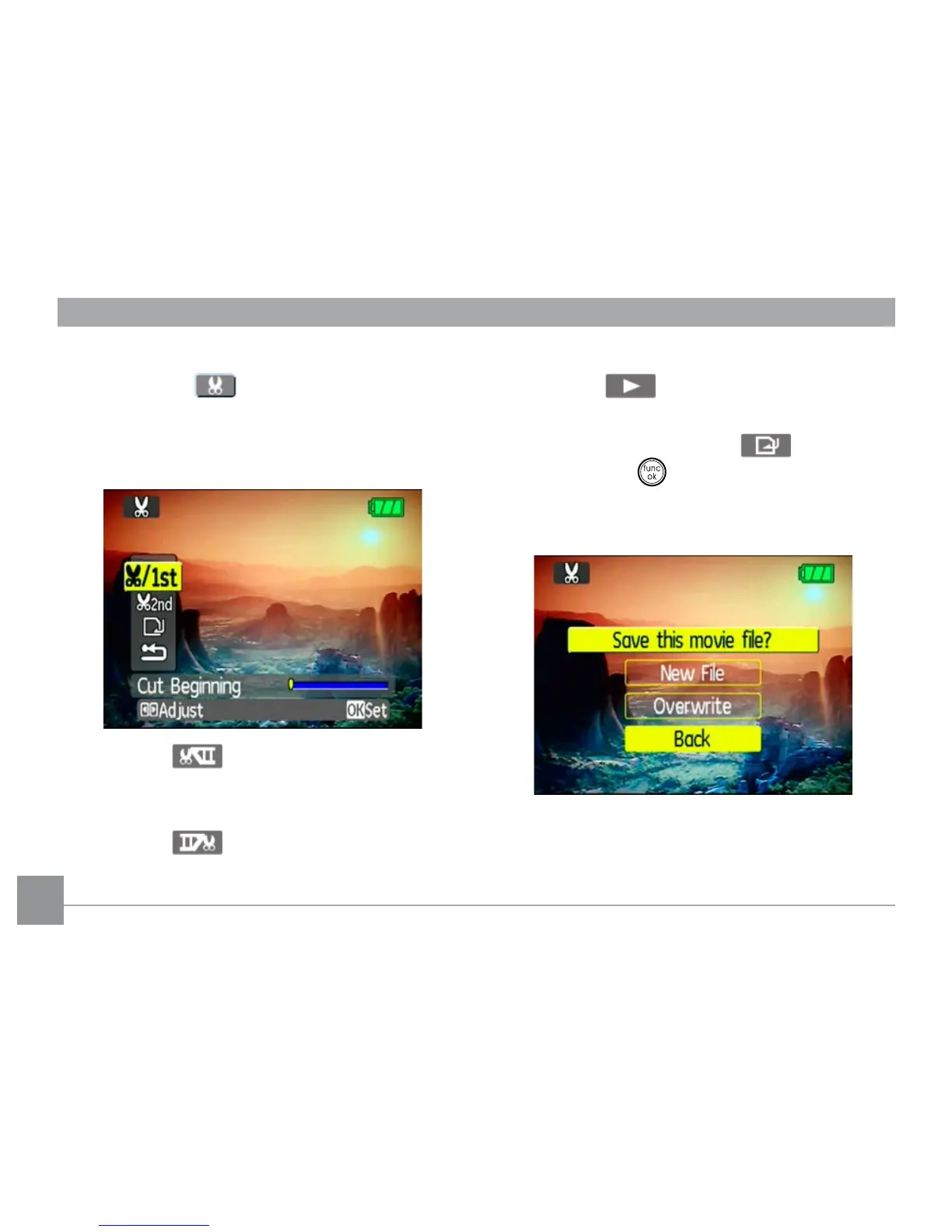
Press the Edit program button to enter
the following screen and use the buttons on
the left side to edit the playback. Use the Up/
Down navigation buttons to select a button.
1. Select the button and use the Left/
Right navigation buttons to specify the
new beginning of the playback.
2. Select the button and use the Left/
Right navigation buttons to specify the
new end of the playback.
2. Select the button to play the editing
section.
3. To save the le, select the button
and press the button.
4. Use the Up/Down navigation buttons to
select an option.
• New le: Save as a new le.
• Overwrite: Overwrite the original le.



 To Next Page