EasyManua.ls Logo

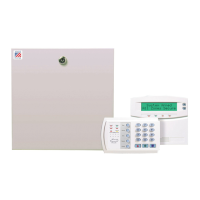
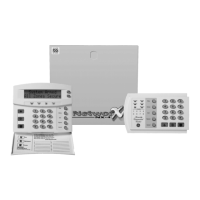
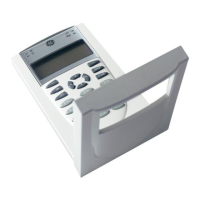
GE Aritech ATS1110 - User Manual

GE Aritech ATS1110
7 pages
Print Icon
To Next Page IconTo Next Page
Loading...
© 2004 GE Interlogix B.V. MAINST-ATS111x
All rights reserved 07/2004
A
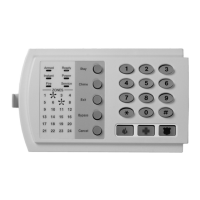
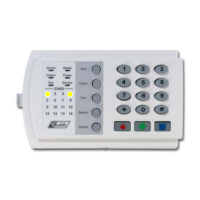
TS1110/1111/1115/1116
Arming Stations

Questions and Answers

  • B
    Bryan WhiteAug 5, 2025
    Why doesn't my GE Aritech ATS1110 Smart Card reader respond to the Smart Card?
    • A
      Amanda FlynnAug 5, 2025
      The ATS1115 or ATS1116 RAS with Smart Card reader may not respond to a Smart Card because the RAS may actually be an ATS1110 or ATS1111 type that is not fitted with a Smart Card reader, or the Smart Card may not be programmed (blank).
  • L
    Laura TorresAug 15, 2025
    How to fix a GE Control Panel with no LED or LCD display?
    • M
      Micheal TaylorAug 15, 2025
      If there is no LED or LCD display on your GE Control Panel, verify the +13.8 and 0V wire connections on both the RAS and the power supply. Also, verify power output on the DGP or external power supply.
  • W
    Wendy NealAug 25, 2025
    What to do if Area and Status LEDs are flashing and the LCD display reads System Fault on GE Aritech ATS1110?
    • E
      Elizabeth MaxwellAug 26, 2025
      When the Area and Status LEDs are flashing and the LCD display reads System Fault on the GE Control Panel, verify the D+ and D- wire connections, ensuring they are not reversed or an open circuit. Also, verify the address DIP switches of the RAS are set to the proper address and that the control panel or 4-door controller DGP is polling the RAS address.

Summary

Arming Stations Unit and Installation

Unit Mounting and Features

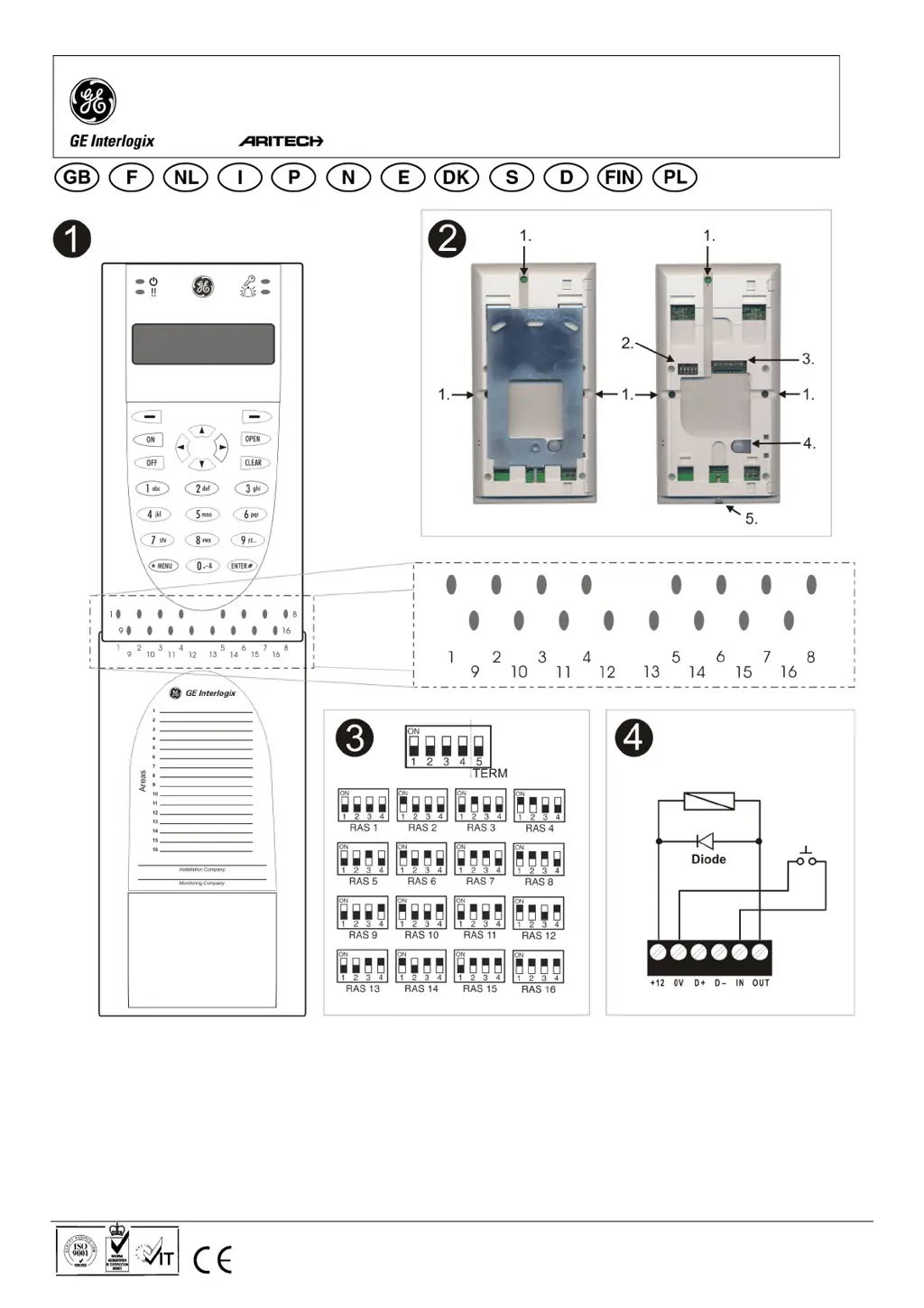
Details on unit mounting, rear features, and control panel connection.

Tamper Switch and DIP Settings

Information on the tamper switch and RAS DIP switch configurations.

Connections and Status Indicators

Wiring connections, status LED indications, and area LED status.

Operating Features and Controls

Covers keyboard backlight, night light, LCD contrast, beeper tone, and text format.

Troubleshooting and Power Up

Power Up Sequence

Describes the beeper sounds and LED behavior upon initial power up.

General Faults and Troubleshooting

Covers issues like no LED/LCD display and area/status LEDs flashing.

RX and TX LED Indications

Explains the function of RX and TX LEDs for fault diagnosis.

Programming Options

Menu Navigation and Access LED

Details on entering programming menus and controlling the Access LED.

Keypad and Night Light Settings

Configuration options for keypad backlight and night light.

RTE Control and Reserved Options

Configuration for Request To Exit control and reserved menu items.

Security, Protocol, and Card Options

Settings for security modes, card protocols, and card beep options.

GE Aritech ATS1110 Specifications

General IconGeneral
BrandGE
ModelAritech ATS1110
CategoryControl Panel
LanguageEnglish

Related product manuals