8-2 170 Series Monitor Revision D
2003023-001
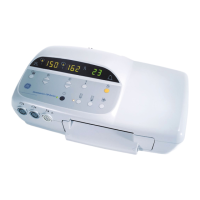
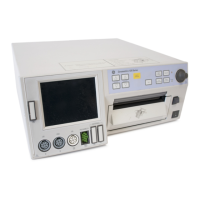
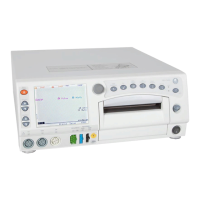
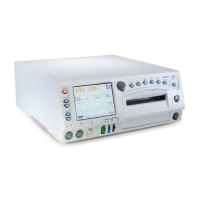
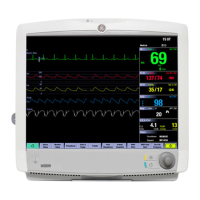
Cleaning: Monitor Exterior (Including Displays)
Monitor Exterior (Including Displays)
To clean the exterior of the monitor:
1. Wipe any fluids from the surface of the monitor.
2. Dampen a cloth or paper towel with isopropyl alcohol and gently rub soiled area
until clean.



 To Next Page
 Loading...