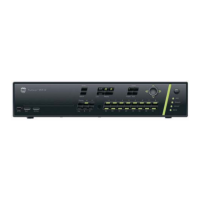
82 DVSR xU User Manual
12. System settings
The System menu allows you to setup the following parameters such as:
Handle transaction information
Configure RS-232 settings
Upgrade the firmware
Restore factory defaults
Reboot the DVSR xU
Manage HDD
View logs
Reboot the DVSR xU
View system information
Power off
Acknowledge an alarm
The System icon
is located in the main menu. The following screen appears when you select
the System icon:


 To Next Page