75
Print DPOF (Digital Print Order Format)
To use DPOF printing, you must make the selection of photos
for printing using the DPOF settings before hand. See “DPOF”
section on page 56.
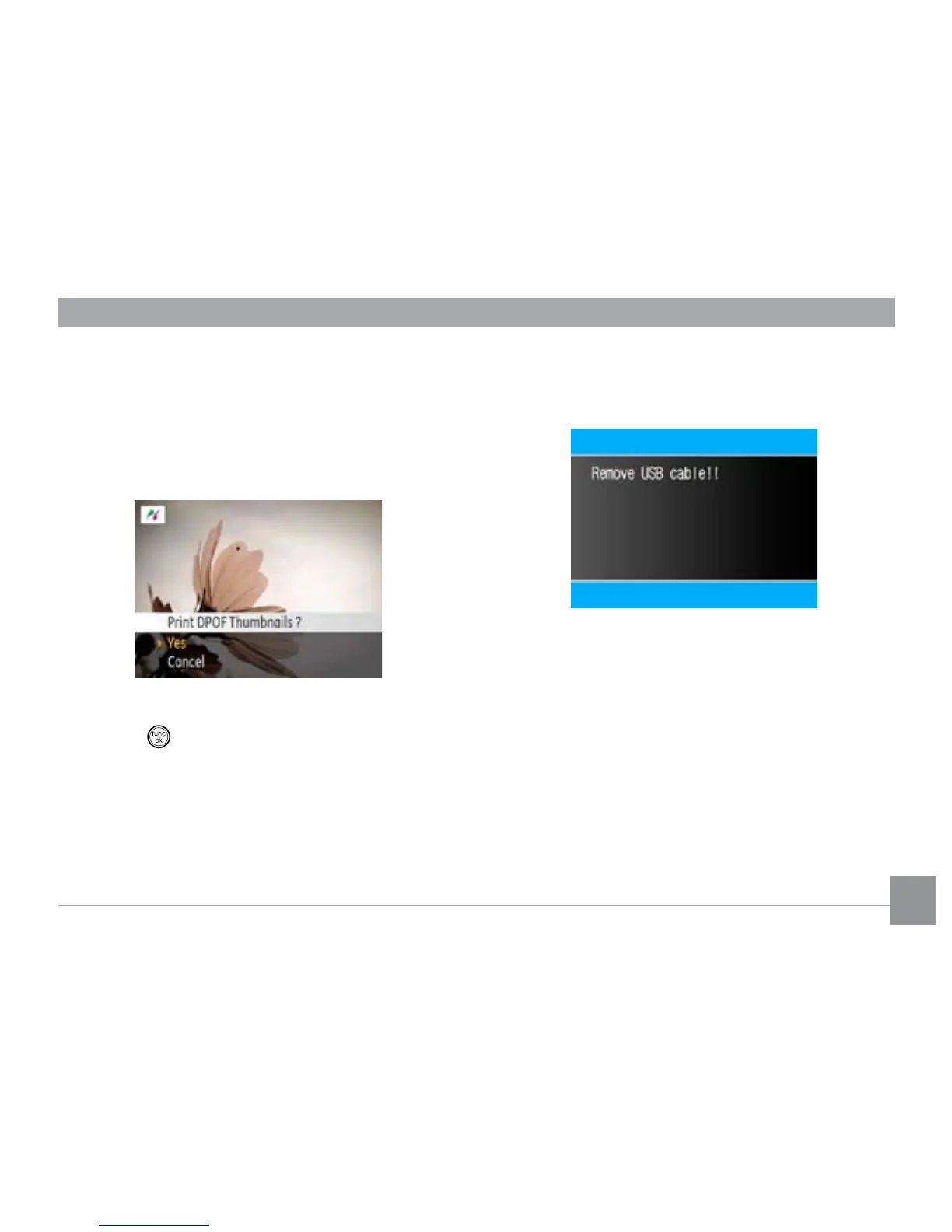
1. Select
Print DPOF from the PictBridge menu. The follow-
ing screen appears.
2. Select Yes to conrm the printing, or No to cancel. Then
press the button.
Exit
To exit the PictBridge menu, select Exit. The “Remove USB
cable” message will be displayed.
Disconnect the USB cable from the camera and printer.



 To Next Page