4-30 12" QuickPanel* View Intermediate, Color and Monochrome – December 2010 GFK-2306E
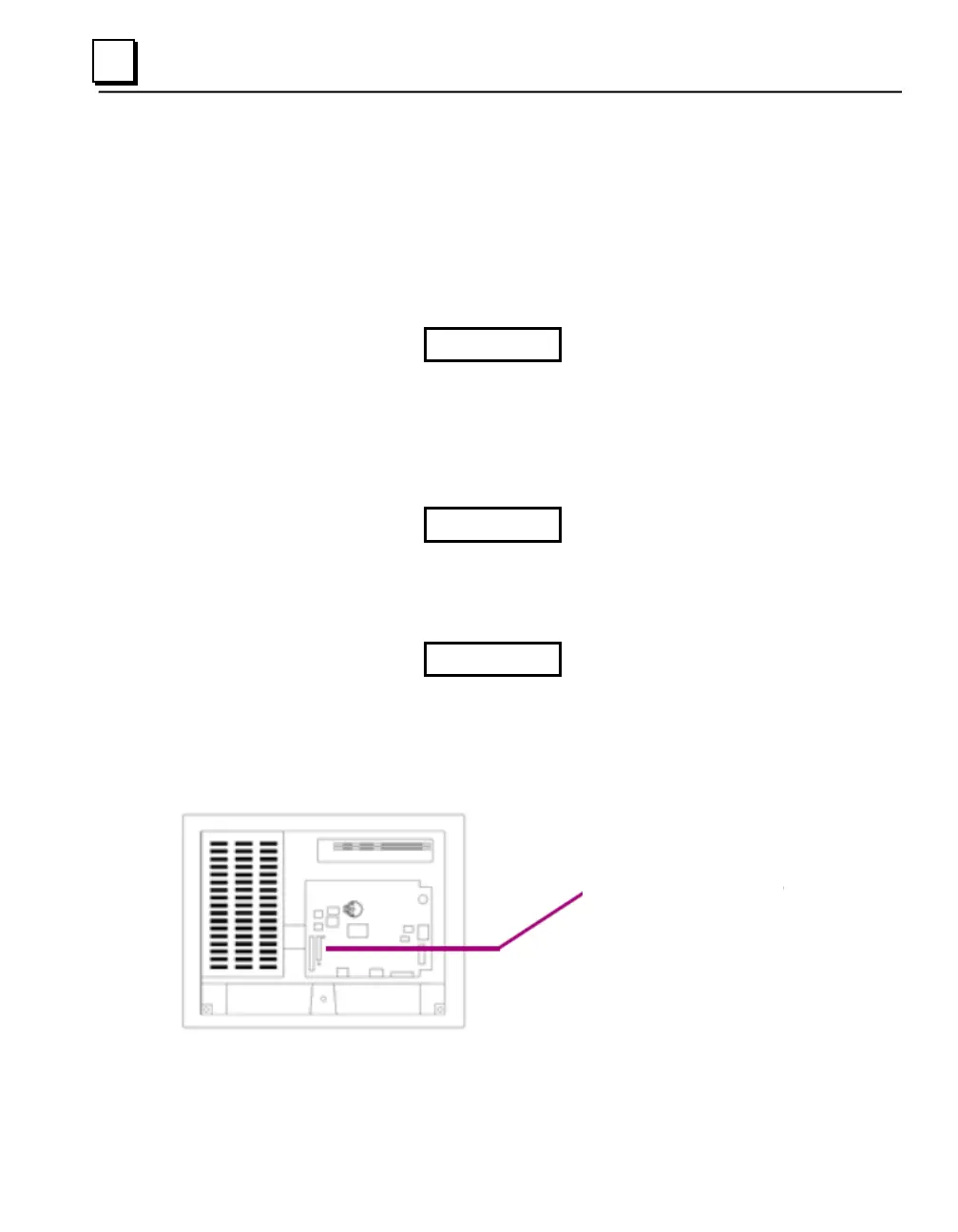
Expansion Bus
An expansion bus is included with the QuickPanel View, and optional modules
that mount directly to it are available. For more information on expansion
modules, contact your distributor.
The expansion bus connectors are accessed by opening the back of the unit.
Caution
Disconnect power from your DC power supply before opening
the QuickPanel View. Working on a “live” unit may result in
damage to equipment and injury to personnel. Always use
anti-static precautions (i.e. grounded wrist strap) when
accessing the interior of the unit.
Caution
Ensure all pins are properly aligned when inserting expansion
cards. Misalignment could cause damage to the QuickPanel
View and/or the expansion card.
Caution
Do not allow conductive material, liquid or solid, to contact
the electronics of the QuickPanel.
Note: To ensure compliance to CE
Mark, the mounting screws
must be used when
installing an expansion card.



 To Next Page