4-38 12" QuickPanel* View Intermediate, Color and Monochrome – December 2010 GFK-2306E
Other Subsystems
Power Management
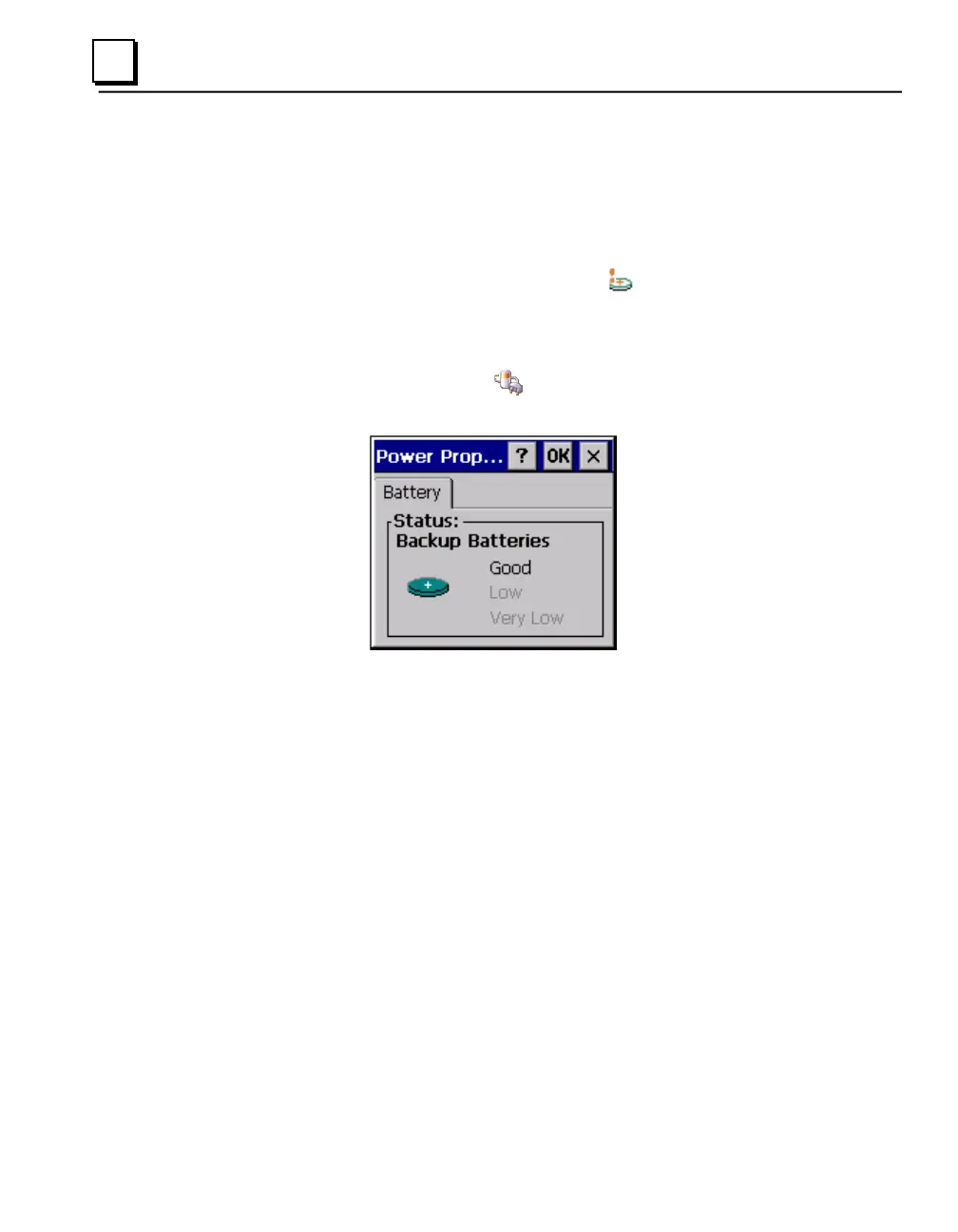
The QuickPanel View‟s Power Properties control panel displays the status of
the backup battery. The Battery Very Low Or Missing icon appears in the
taskbar when the battery is either missing or very low.
To access the Power Properties control panel
1. In the Control Panel, double-tap Power. The Power Properties
dialog box appears.



 To Next Page